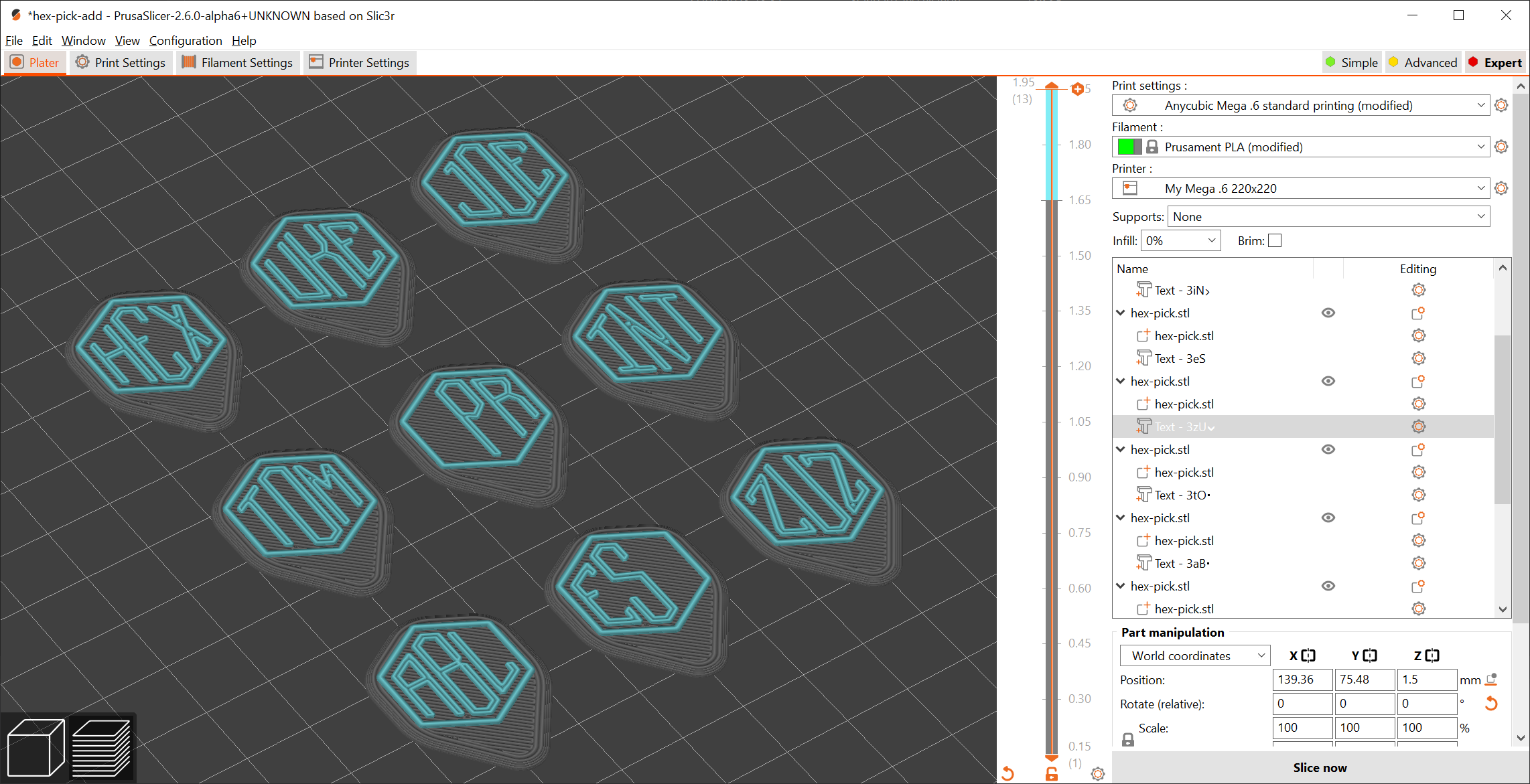
Hexagonal guitar pick
shell_form

AI ile Benzer Model Bul


Baskı Profili(0)
Model Dosyası(0)
 0
0 0
0 0
0
Yayınlandı:2025-07-11 23:12:28
1
0
 000
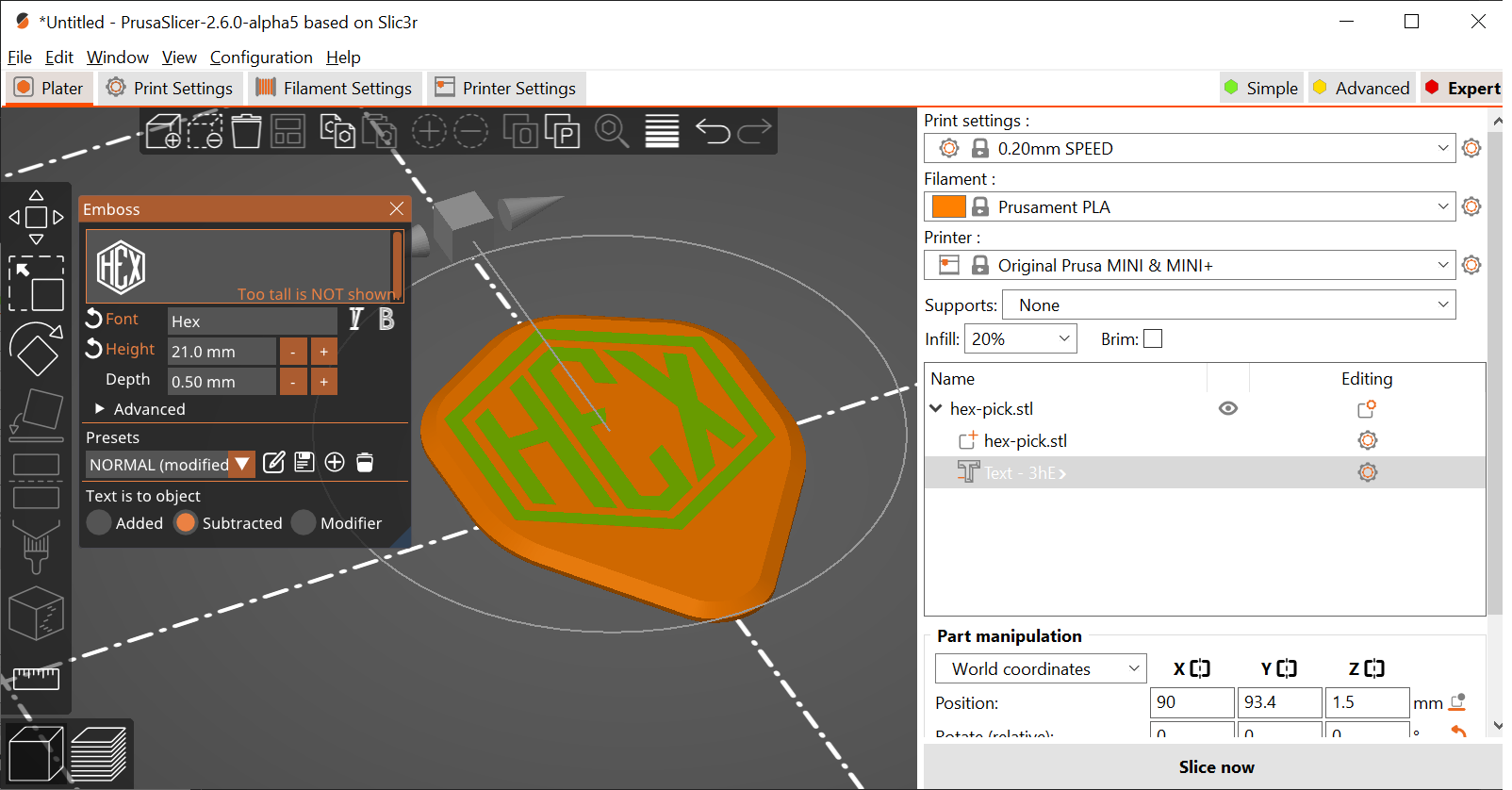
000I had a sudden inspiration to design a product that matches my personality.Hexagonal ukuleleA matching blade. I also really like the new features of Prusa Slicer 2.6 alpha 6HexFor the font, I created one that you can use in Prusa Slicer.DirectlyA customized pick.
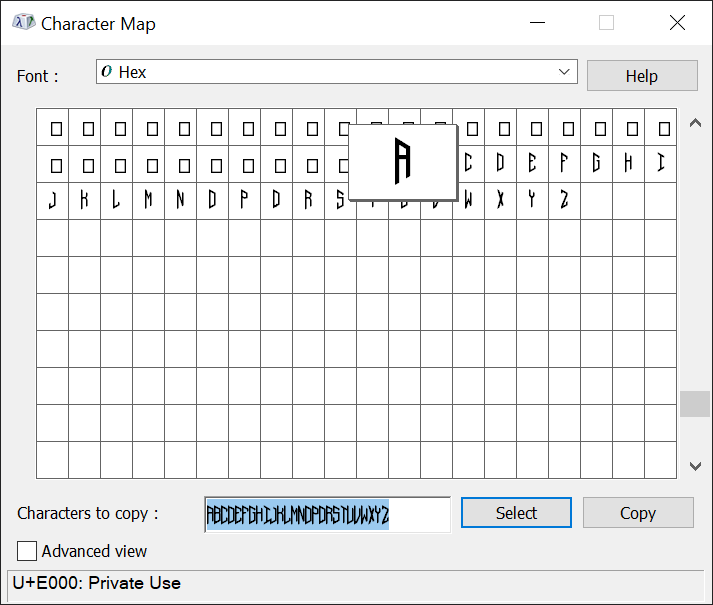
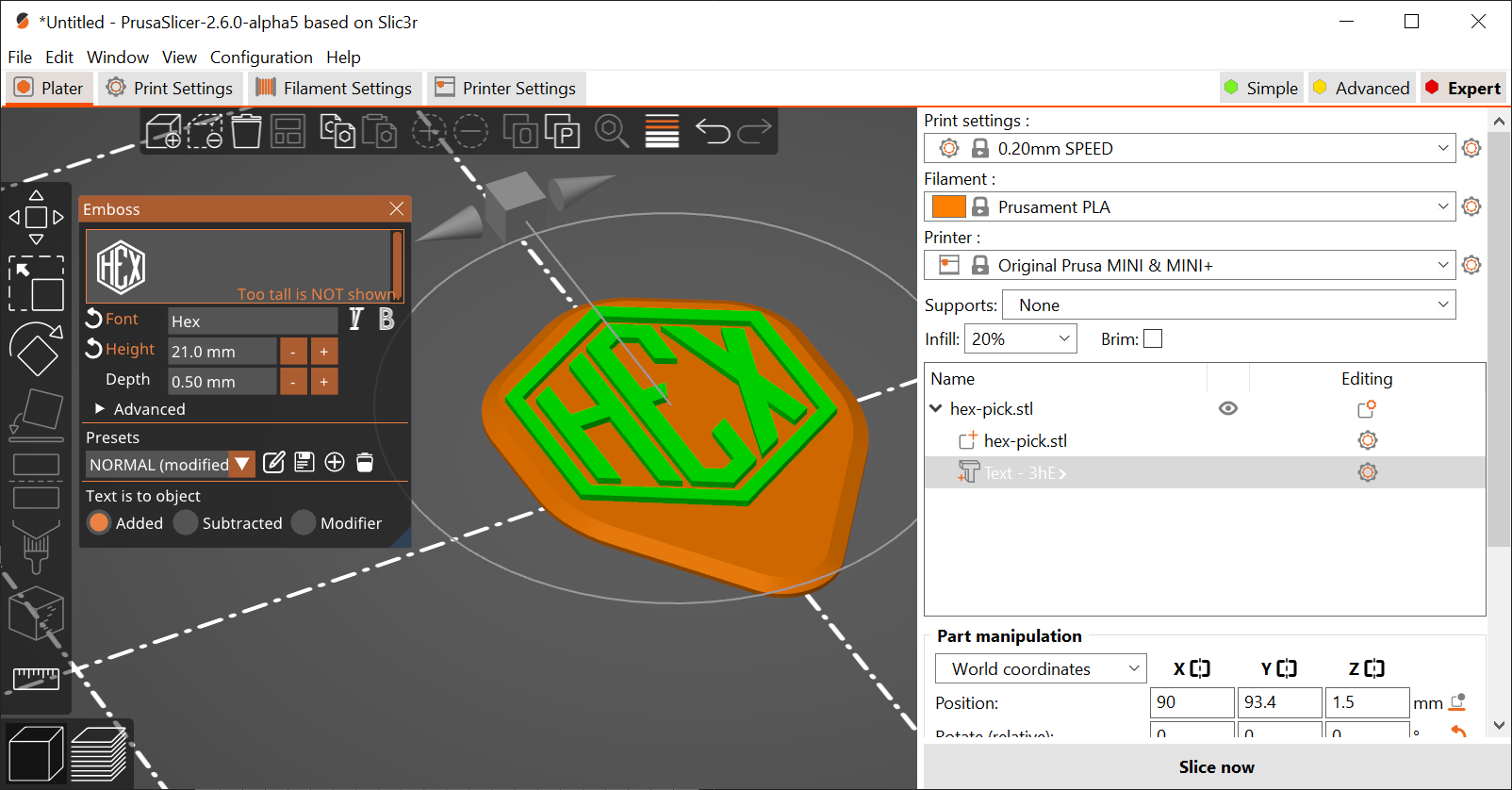
Detailed information is provided in the PDF file attached to the font. Here's a brief explanation.
That's it :) You can print multiple pickups with different texts on them.
Note. Don't forget to print the ones that match these picksHexagonal ukulele;)
Add a text example
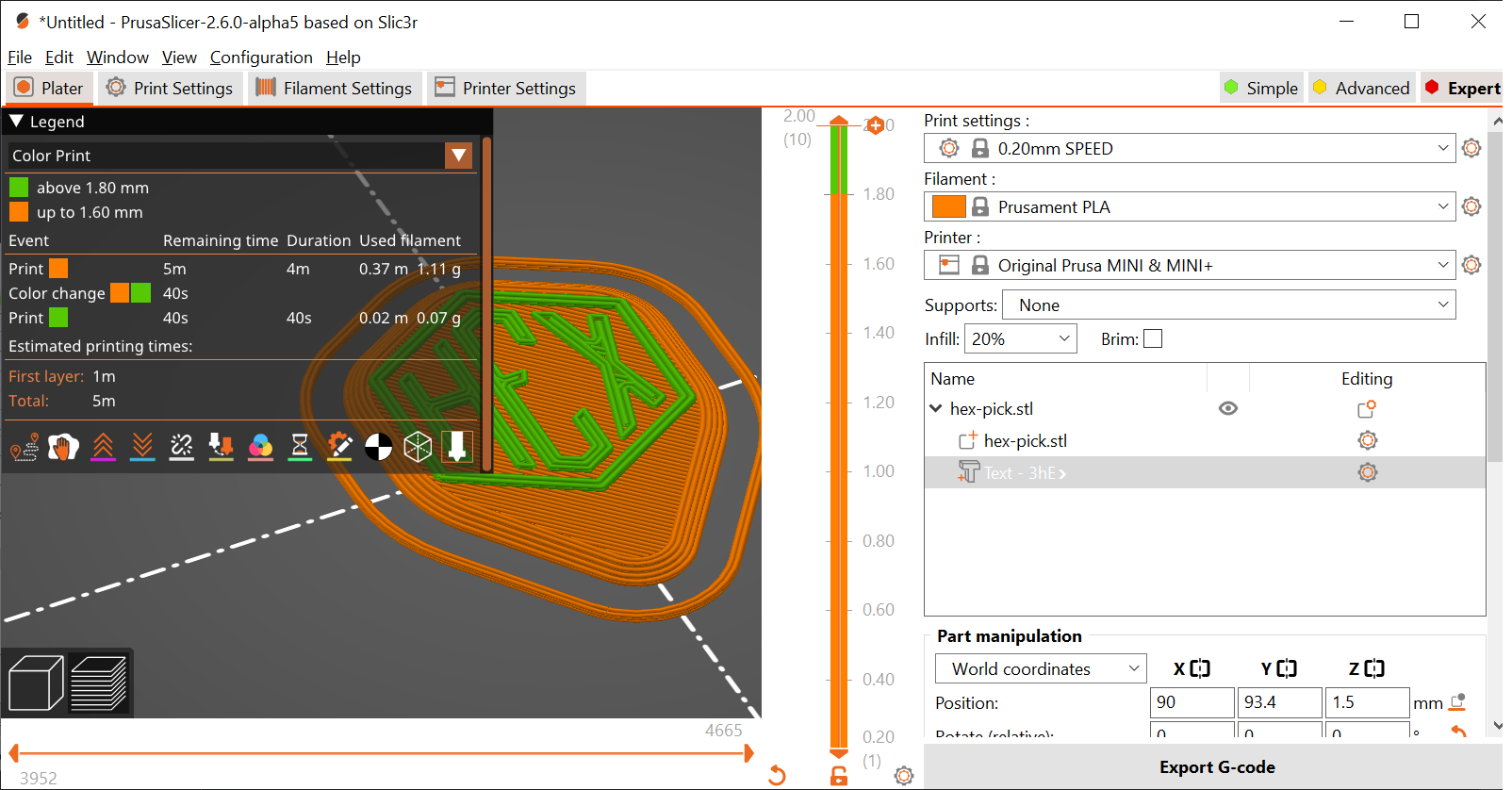
Add text after slicing
Subtract the text
After slicing, subtract the text
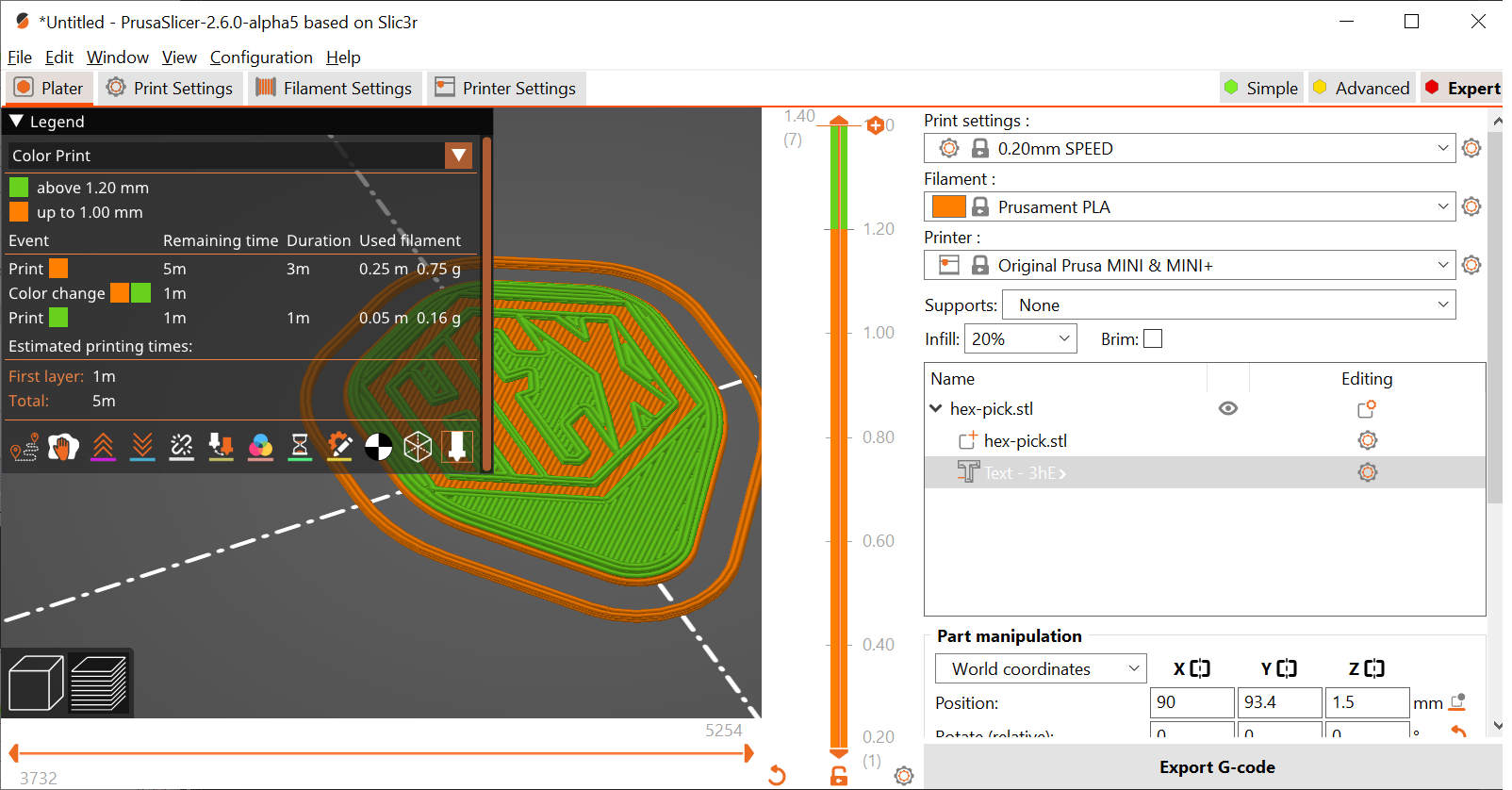
Batch printing: