Magic Mouse Holding Adapter
magickn0t

AI ile Benzer Model Bul


Baskı Profili(0)
Model Dosyası(0)
 0
0 0
0 0
0
Yayınlandı:2026-03-13 23:45:17
0
0
 000
000Applications and Impact:
Purpose:
The Magic Mouse Holding Adapter was originally designed for individuals like Katya, who have difficulty holding a mouse due to motor challenges but retain the ability to click. This product allows them to maintain control and use a computer more independently for work or personal hobbies.
Applications:
This adapter is beneficial for anyone struggling with proprioception or motor control when using a computer mouse, particularly the Apple Magic Mouse. It’s ideal for people with conditions affecting grip, dexterity, or control.
Impact:
By providing stability and control, the Magic Mouse Holding Adapter empowers users to use a computer mouse without worrying about their hand slipping, leading to greater independence.
Project Details:
Print Settings:
Bill of Materials (BOM):
| Item # | Item Description | Material | Manufacturing Instructions | Qty | Supplier Link |
|---|---|---|---|---|---|
| 1 | 3D Print | PETG/PLA Filament | 3D-printed, Infill: 20%, Supports: Everywhere | 20 grams | [Link] |
| 2 | 10mm Elastic Straps | Nylon | Hand cut, Length: 11.5 cm, Edge protection with lighter | 2 | [Link] |
| 3 | Instant Glue | Cyanoacrylate | N/A | 1 | [Link] |
Assembly Instructions:
Print the Base:
Prepare Elastic Straps:
Create Hems:
Thread the First Strap:
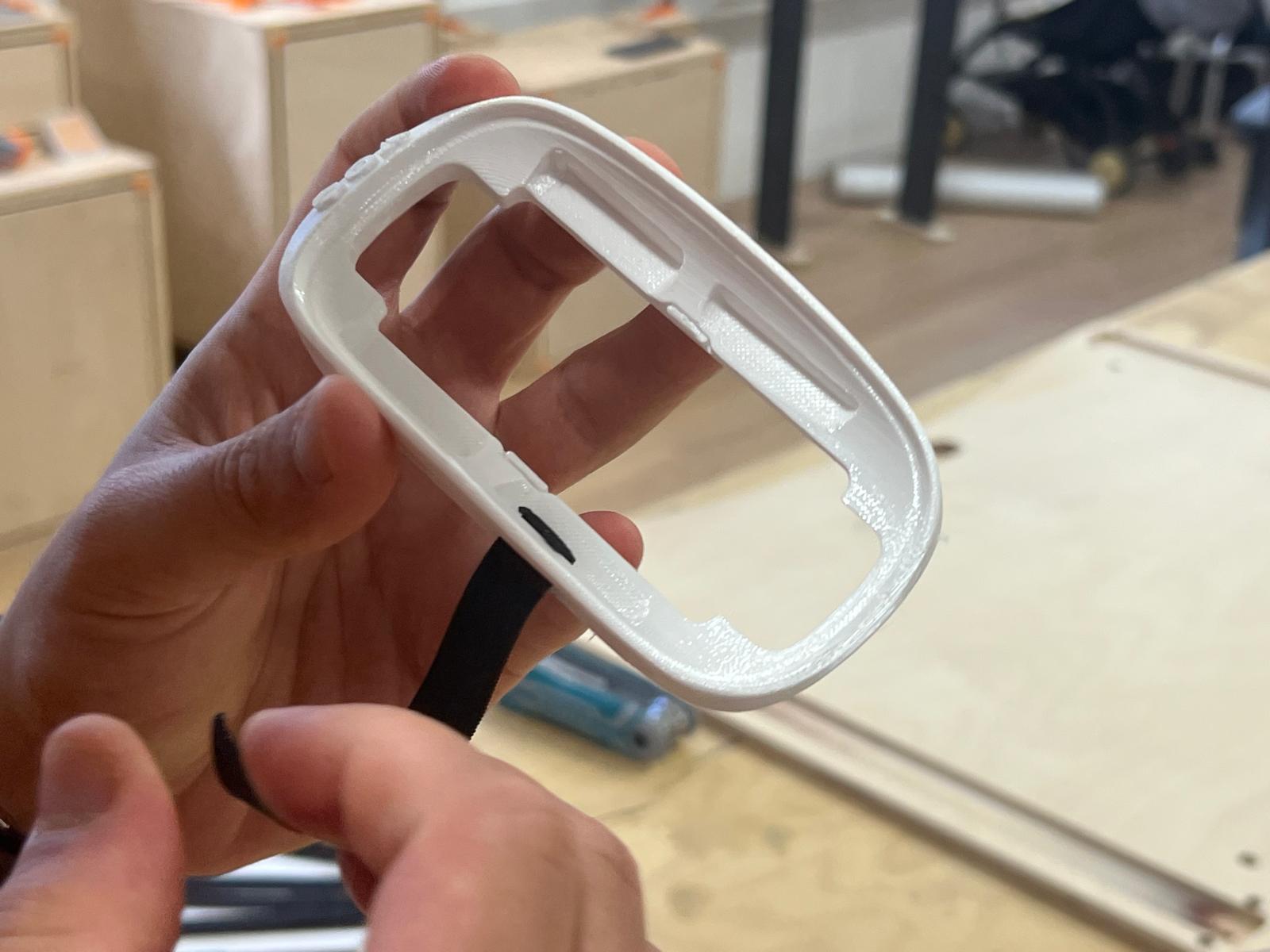
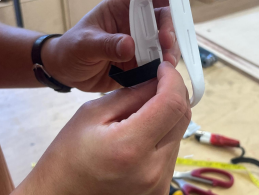
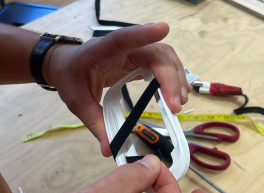
Thread the Second Strap:
Insert the Mouse:
For further documentation and to explore other open source assistive tech solutions you can visit tomglobal.org