Wood Textures modifier hack
depth_section

AI ile Benzer Model Bul


Baskı Profili(0)
Model Dosyası(0)
 0
0 0
0 0
0
Yayınlandı:2026-05-18 03:00:33
0
0
 000
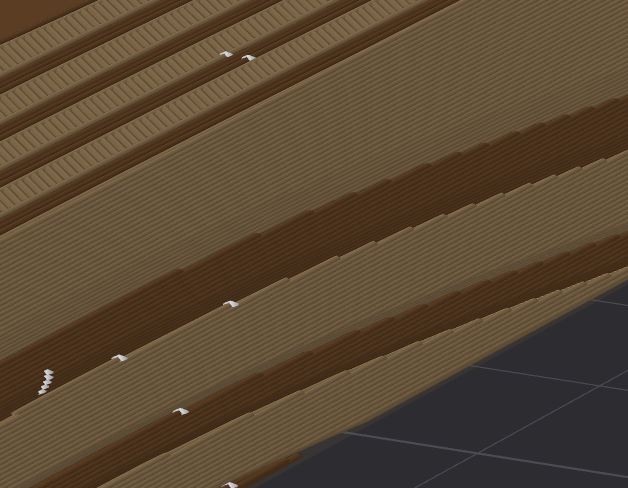
000@ThorinOakenshield recently published a Medieval Cannon with realistic looking woodwork and on enquiry informed me that he used Onshape to achieve that. Frustrated I looked for ways to do that in fusion only to discover that it's only possible using tedious manual processes and at best with mediocre looking results. I persevered searching and stumbled upon a video by Diaz Creative Studio that showed a demo in Bambustudio using a "stump" as a modifier.
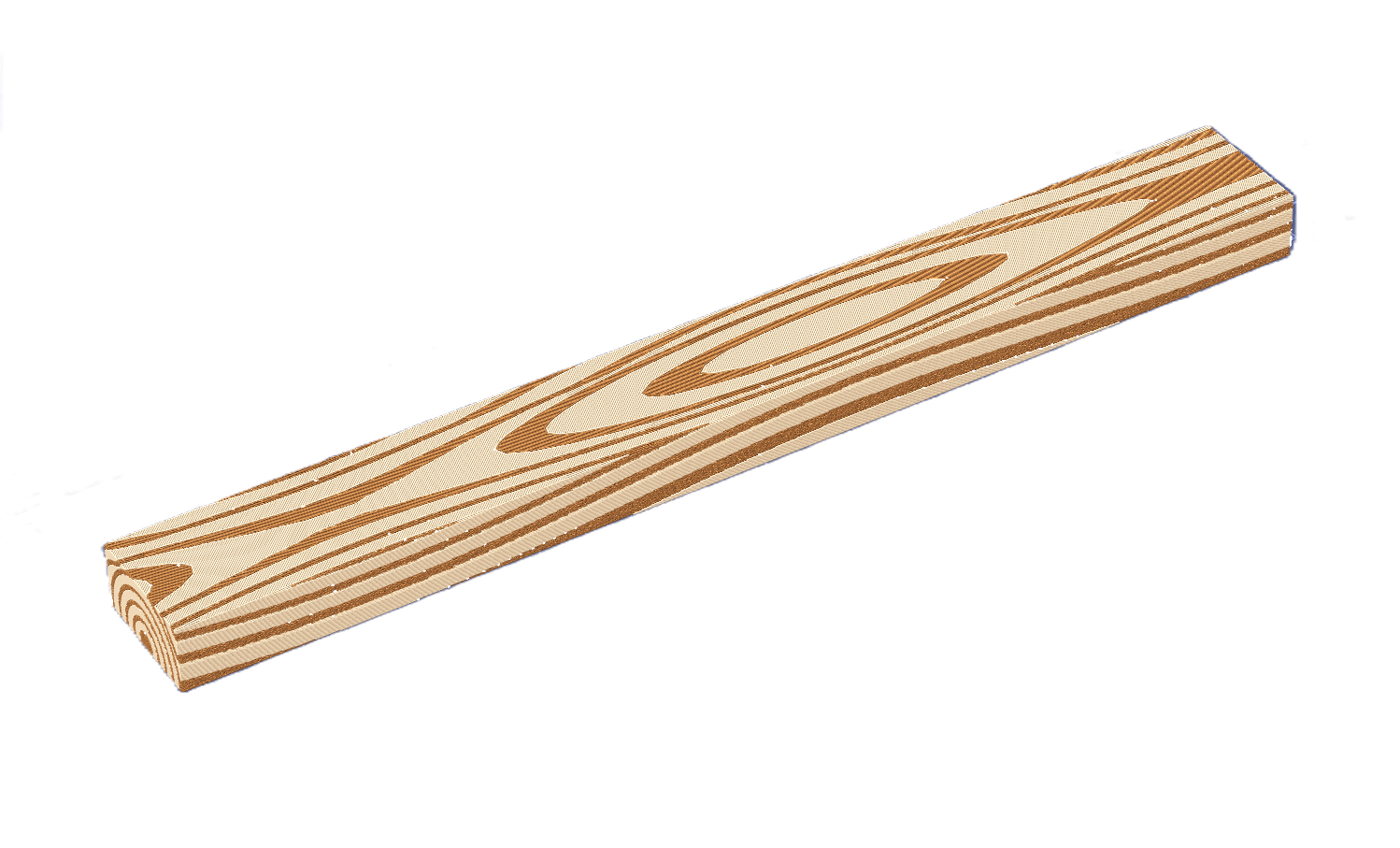
I have done some extensive work with modifiers in the slicers and mocking up a few stumps in Fusion, I tried the concept out in Orca Slicer.
To reproduce the result above complete the following steps:
Download the stumps in the project files or create your own.
Load the object that you want to modify
Add the "stumpt" stl as a modifier.
Align it so you get nice looking patterns on your object to be "modified".
Optionally adjust the modifier object settings in the slicer, like pattern angles and fuzzy skin.
Slice and be amazed, this is a game changer hack.
On the preperation screen right click the stl object loaded to get the modifier menu and load the modifier stl.
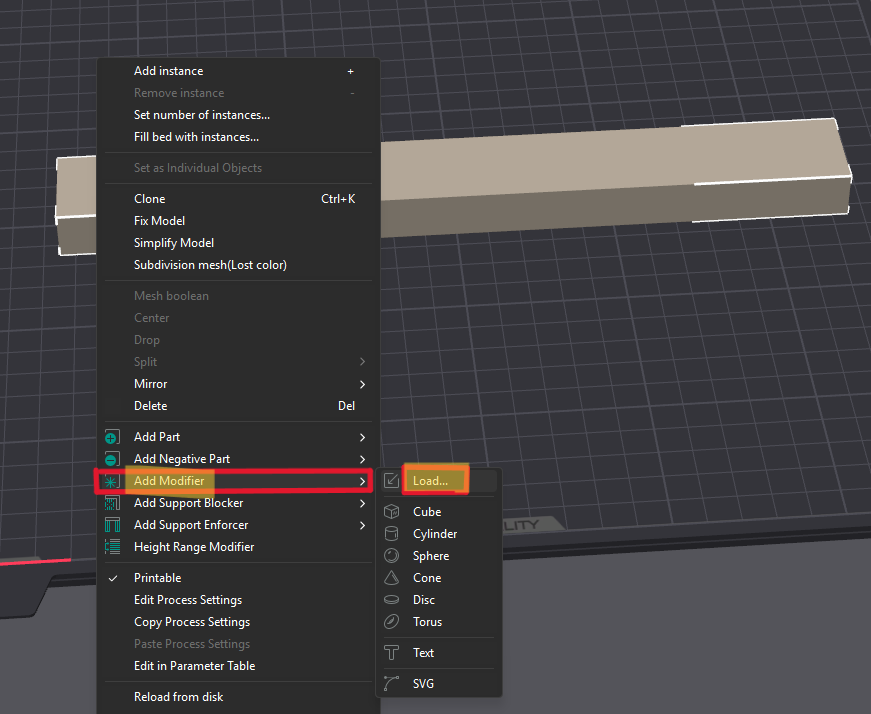
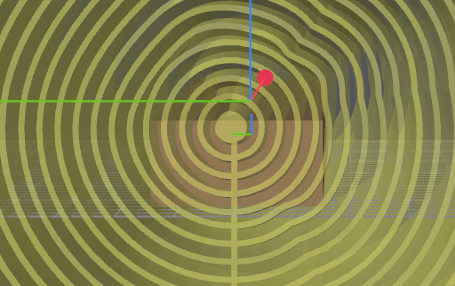
Select the "treetrunk" modifier and it will import like shown below.
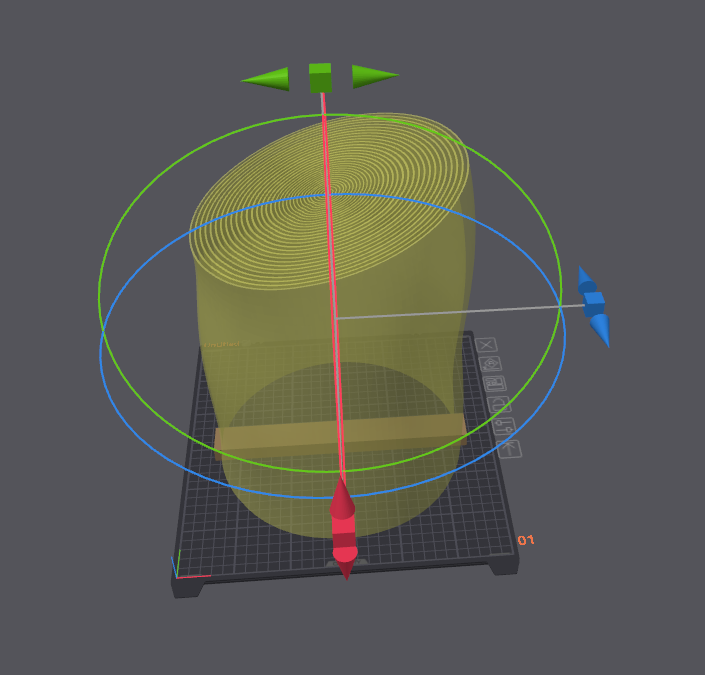
Proceed to rotate and move it lower to intersect with the printed objet to be modified. Align it for nice looking patterns to be rendered.
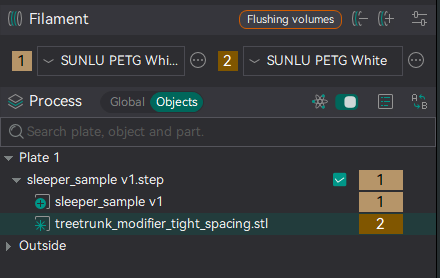
Set the colour for the modifier. I just selected to complementing wood like colours.
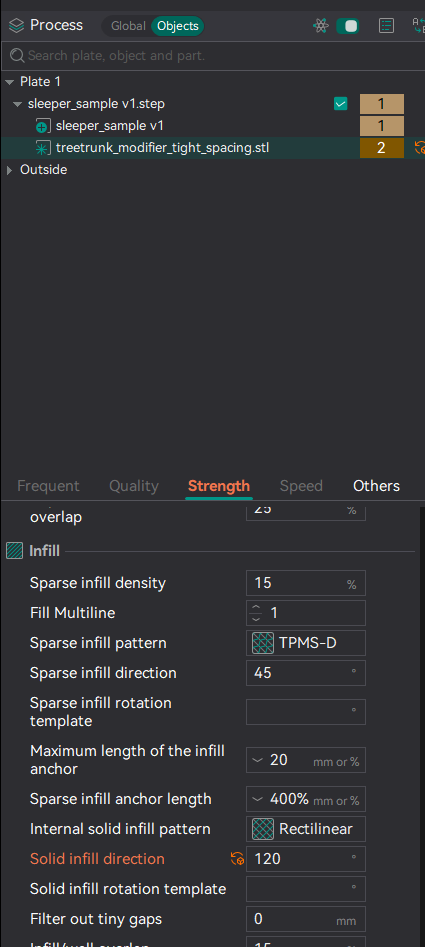
Optionally also adjust the infill direction to change the infill patern orientation.
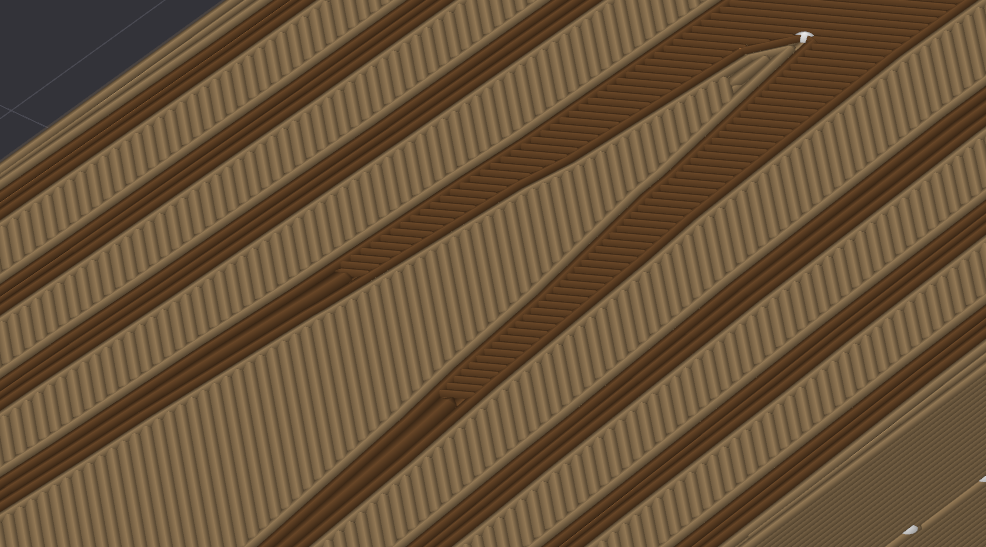
You can also add fuzzy skin the get the woodgrain effect on the sides
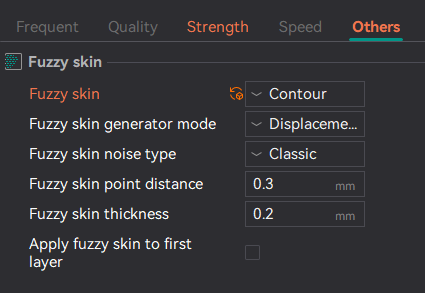
Result with fuzzy skin
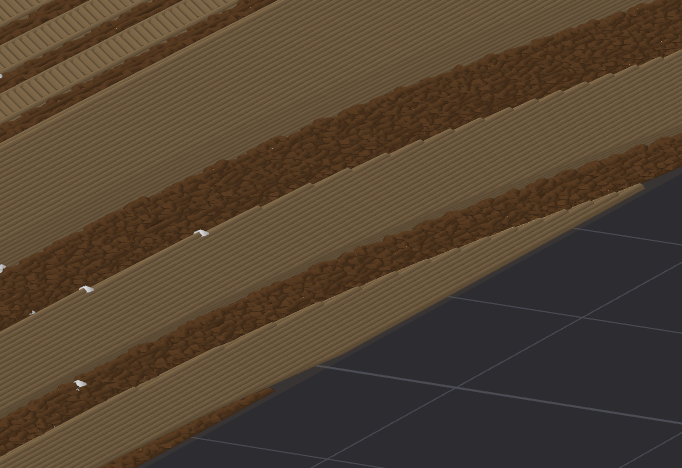
Result without fuzzy skin