Smash this Button | BIG button case
code-project

AI ile Benzer Model Bul


Baskı Profili(0)
Model Dosyası(0)
 1
1 0
0 0
0
Yayınlandı:2026-06-03 23:03:49
3
0
 100
100This model was created for a miniGame I am working on. Since I spend some time designing it I decided to make the files public so others can use and improve them. Here you can se the first version of the button and hear the satisfying click sound:
https://youtube.com/shorts/rG5fOjOlD3s?si=Nl9QzBmP_b9lN_Gj
Button Cap
Button Colored Rim
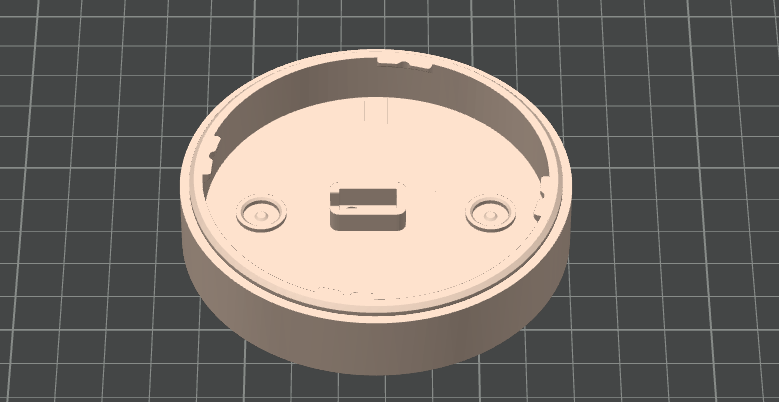
Button CaseB Thin
Button CaseB Fuzzy Skin
CaseB models (number 3 and 4) should be used only for the Fuzzy Skin Option. You can use SlapThatButton CaseA instead of them.
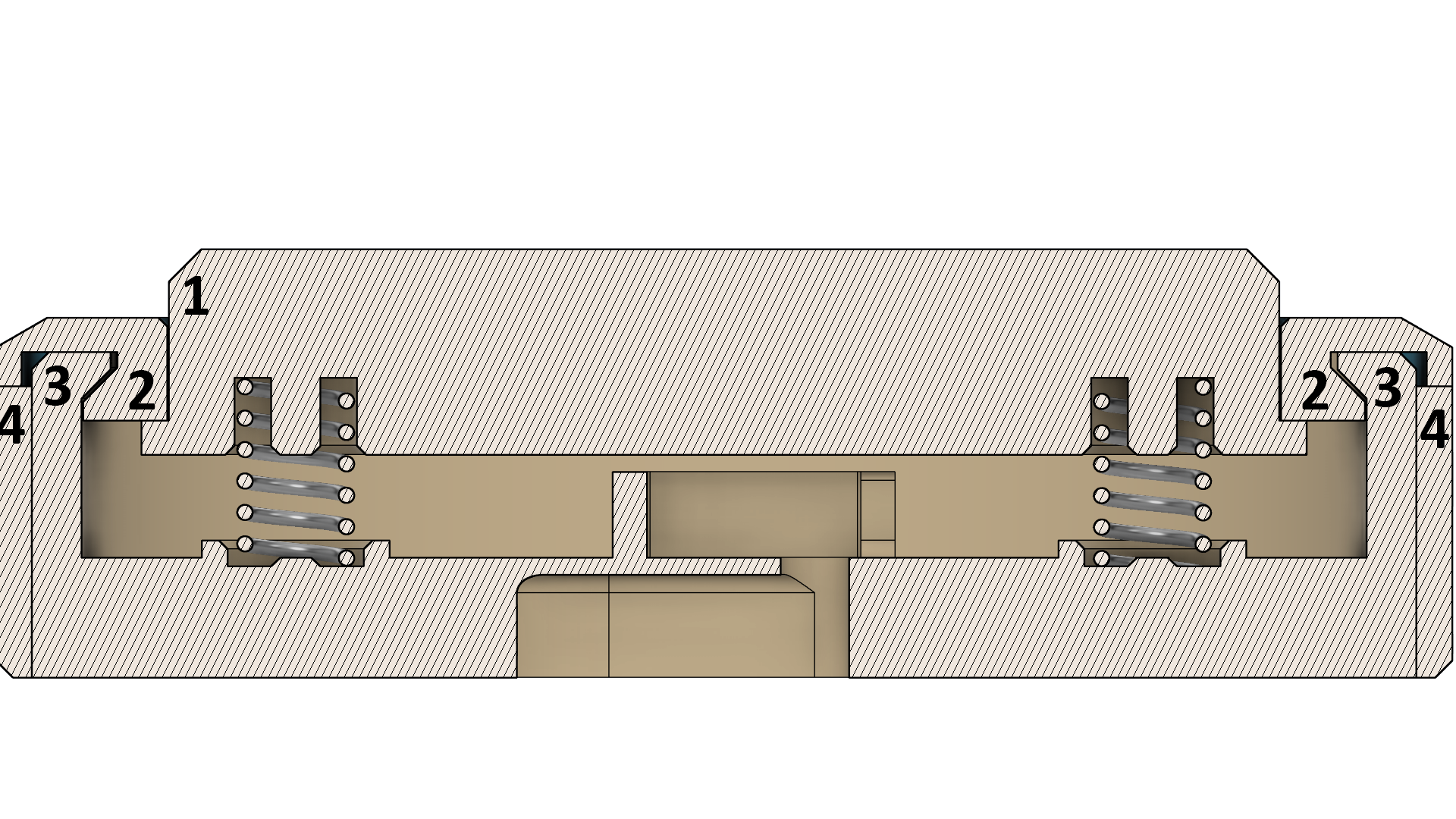
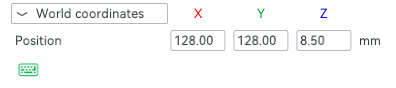
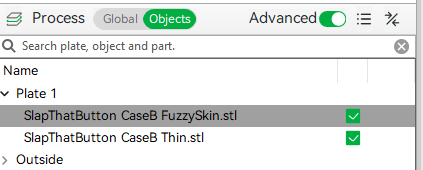
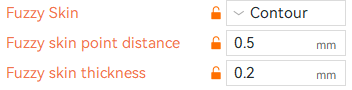
You can use SlapThatButton CaseB Thin and SlapThatButton CaseB FuzzySkin stl files to set the Fuzzy skin option. After you import both files in the slicer and align them you can select the SlapThatButton CaseB FuzzySkin and in the option tab, set the Fuzzy skin to Contour: