iPhone Cable Plastic Housing Replacement
Before: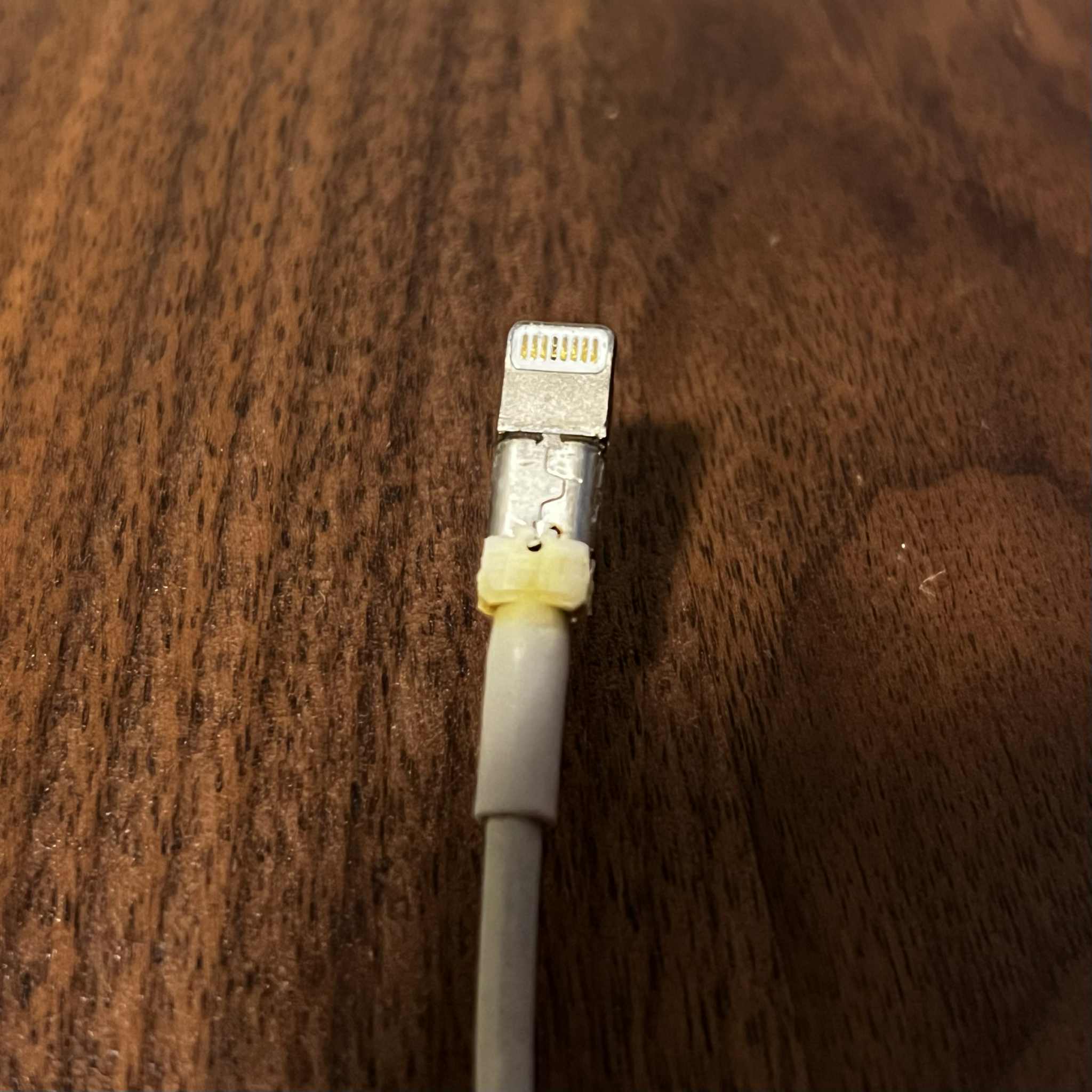 | After: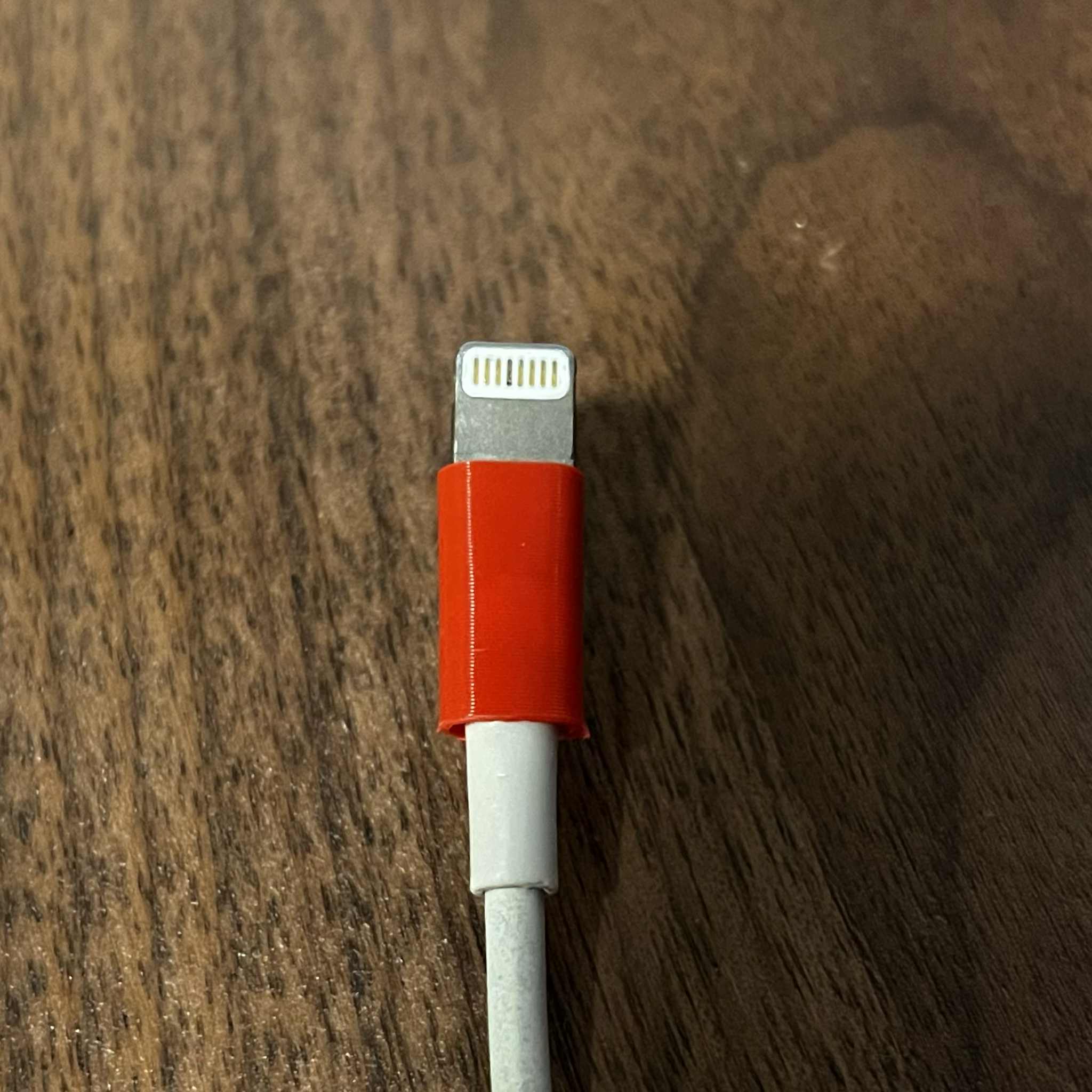 |
Print settings:
- PLA, PETG or TPU, it will all work.
- [Enable] "Detect Thin Wall"
- 0.2 Layer height
Install guide:
- If the original plastic housing is still on the cable, remove it completely, as seen on the “Before” image.
- Slide the replacement part over the cable, until its alligned like the original
- Dap a tiny amount of super glue inside the housing, on the cable end of the part, as seen below:
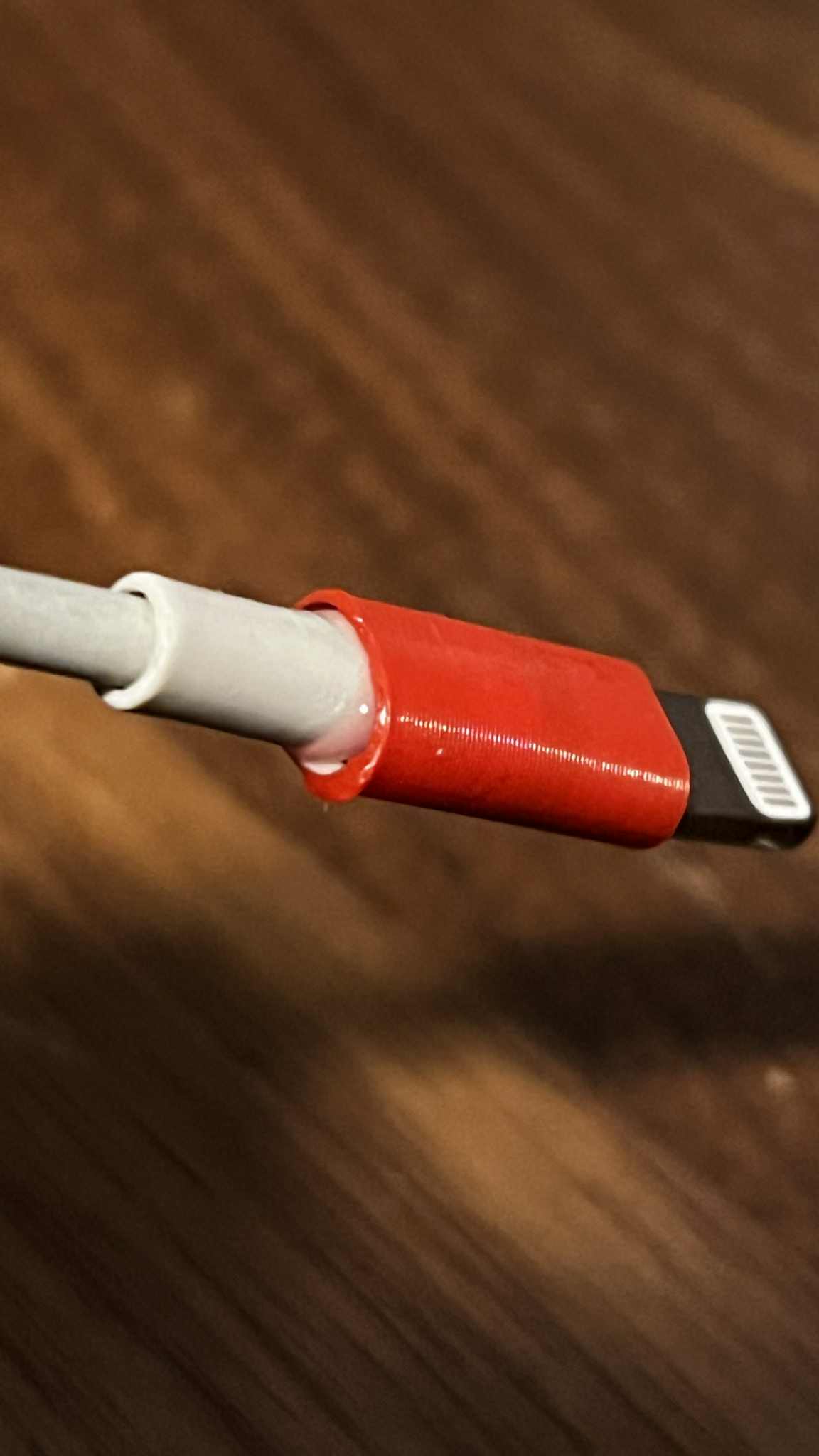
Wait for the super glue to dry completely, and you're done!


 0
0 0
0 0
0

