rPI Zero OpenPrintTag reader/writer
KindShoe

AI ile Benzer Model Bul


Baskı Profili(0)
Model Dosyası(0)
 0
0 0
0 0
0
Yayınlandı:2026-05-27 09:12:50
0
0
 000
000Model of box for NFC reader that can read OpenPrintTag data.
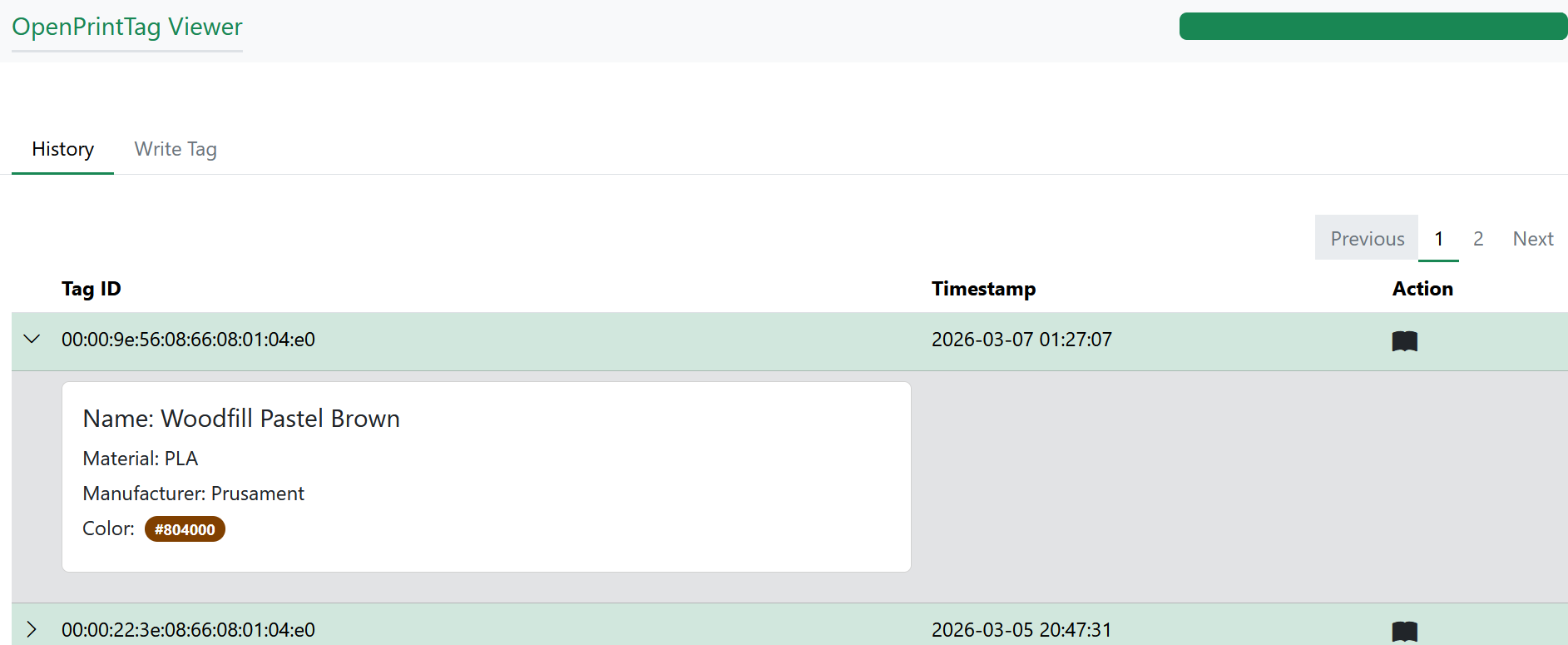
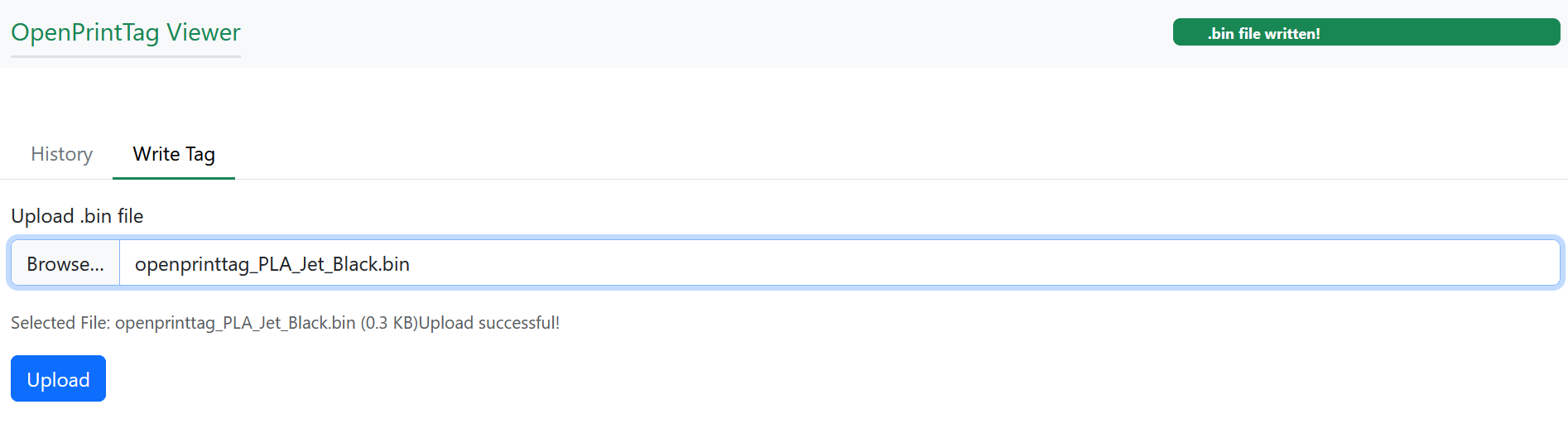
web application for possibility to write new data to tag.
Install script for the whole bundle
Note: To update a tag with new data, first go to openprinttag.org and configure your filament properties ). Download the generated .bin file. Then open the web interface on your Raspberry Pi ( http://
Reads OpenPrintTag tag and through callbacks sends specified data to MQTT (by default running on the Pi).
Write tags - you can generate .bin file @ https://openprinttag.org/generator/ and push it simply into MQTT running on the rPi and first tag that is discovered gets the data writen!
the reading progress and result is indicated (again through callbacks) by the Led.
Data on successfully read tags are cached (by default for 2 minutes)
For now Meta/Main region only parsed. If needed Aux can be added.
Possibility to write simple callbacks to customize it to your need - If you use the library and want to display data for example on 1.3" 240x240 TFT IPS Display ST7789 - then you just implement the callbacks for the given events and dont care about parsing/detecting/reading the tags.
Integration with this e-ink display finished and current filament info may be displayed on it:
|
Part |
number |
|---|---|
|
Raspberry Pi Zero 2 W |
1 |
|
PN5180 module |
1 |
|
dupont wiring |
11 |
|
NeoPixel WS2812, 8mm, 5V |
1 |
the code you can use to run on it is here:
https://github.com/karelWeingart/openprinttag-pn5180-rpi
Installation instructions: https://github.com/karelWeingart/openprinttag-pn5180-rpi/blob/main/README.md
Simplest way to install the applications on raspberry is usage of https://github.com/karelWeingart/openprinttag-pn5180-rpi/blob/main/install.sh script.
if the install.sh script is used for installation then a web application allowing write operation and showing history runs on the raspberry. It can be reached at http://<RPI_IP>:8000.
History of operations can be inspected there.
Current status of the scanner is indicated in the right top corner.
Interface to upload a bin file which is then writen to first found tag is provided.