
drawing machine for prusa Original model
Fabian Randolph

AI로 유사한 모델 찾기


프로필 출력(0)
모델 파일(0)
 0
0 0
0 0
0
게시일:2025-12-12 06:52:20
0
0



 000
000CZ: Toto je malovací a psací stroj který je kompatibilní s Prusa mk3/S/S+ a staršími verzími. Je jednoduchý k ovládání.
Budete potřebovat:
2x matka M4
1x šroub M4 35mm
1x šroub M4 20mm
1x plech o velikosti tiskového plátu
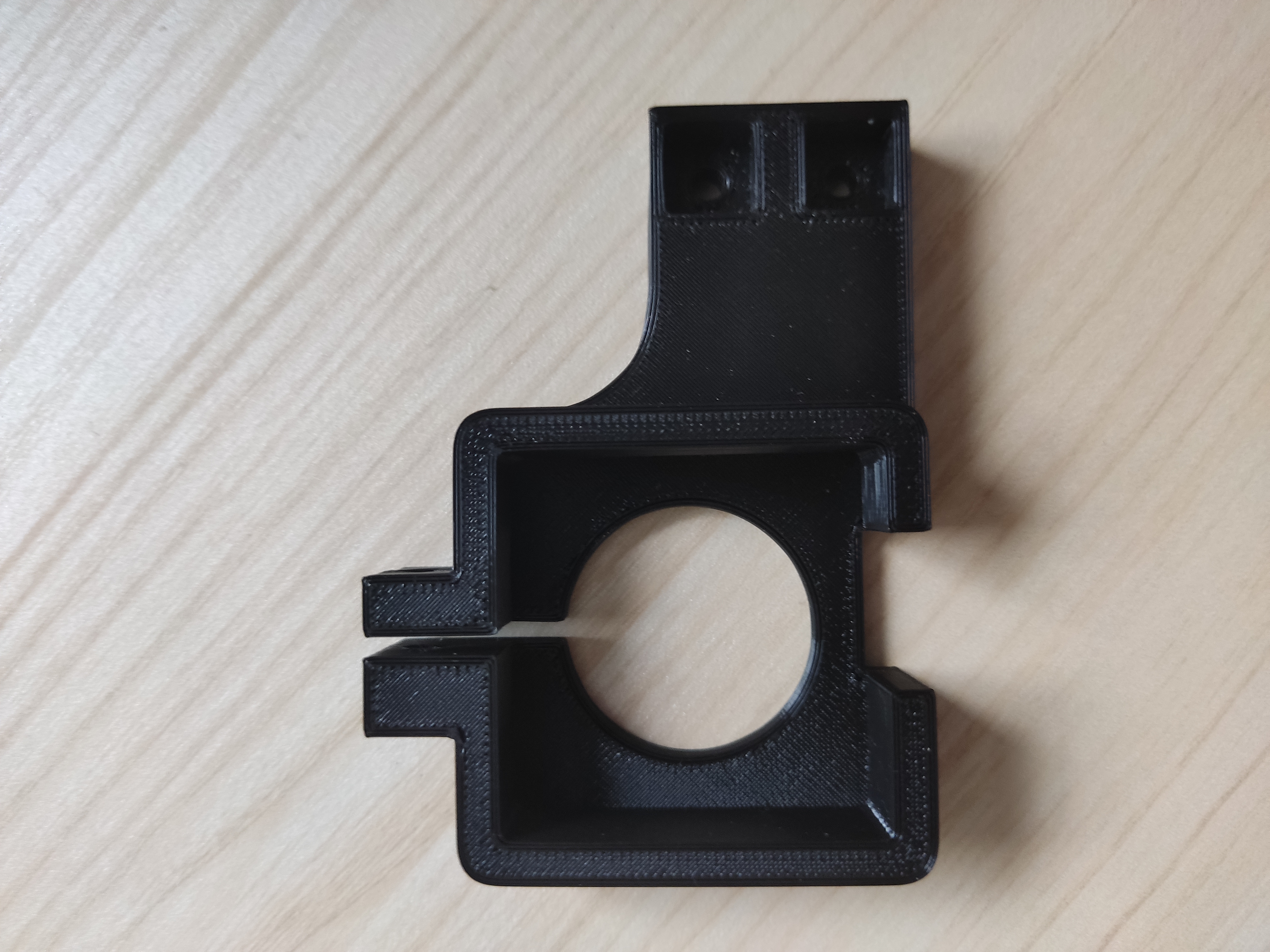
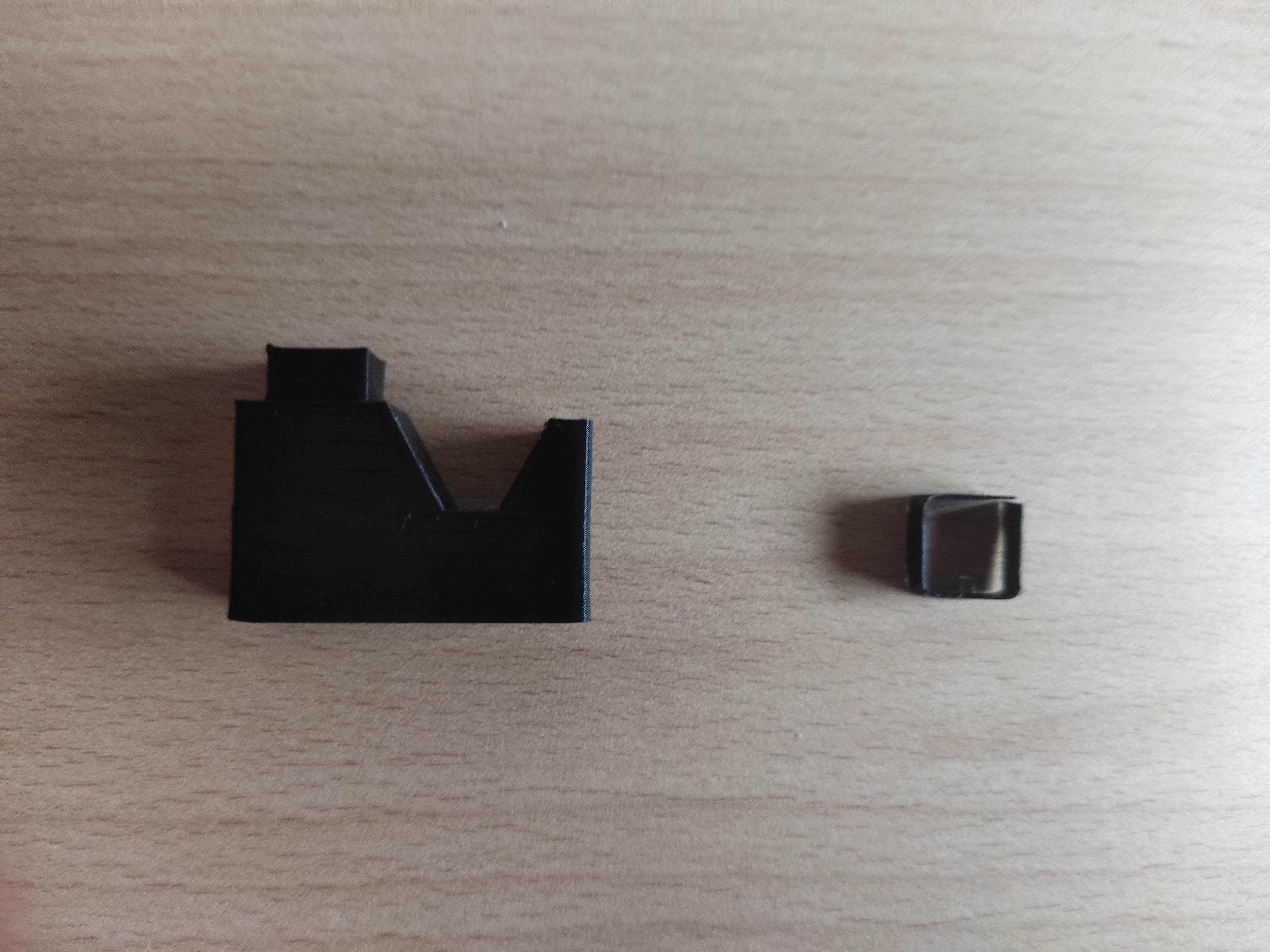
Vytiskneěte si tyto následující díly. Hranatý kroužek je pouze ke zpevnění částí, kdyby tam nešel vložit tak se může nastřihnout nůžkami.
EN: This is a painting and typewriter that is compatible with the prusa mk3/S/S+ and older versions. It is simple to use.
You will need:
2x matrixes
1x M4 35mm screw
1x M4 20mm screw
1x metal sheet of the size of a printing sheet
Print these following parts. The square ring is only for strengthening the parts, if it could not be inserted there, it can be cut with scissors.
CZ: Takto bude vypadat hotový a sestavený výrobek.
EN:This is how the finished and assembled product will look like.
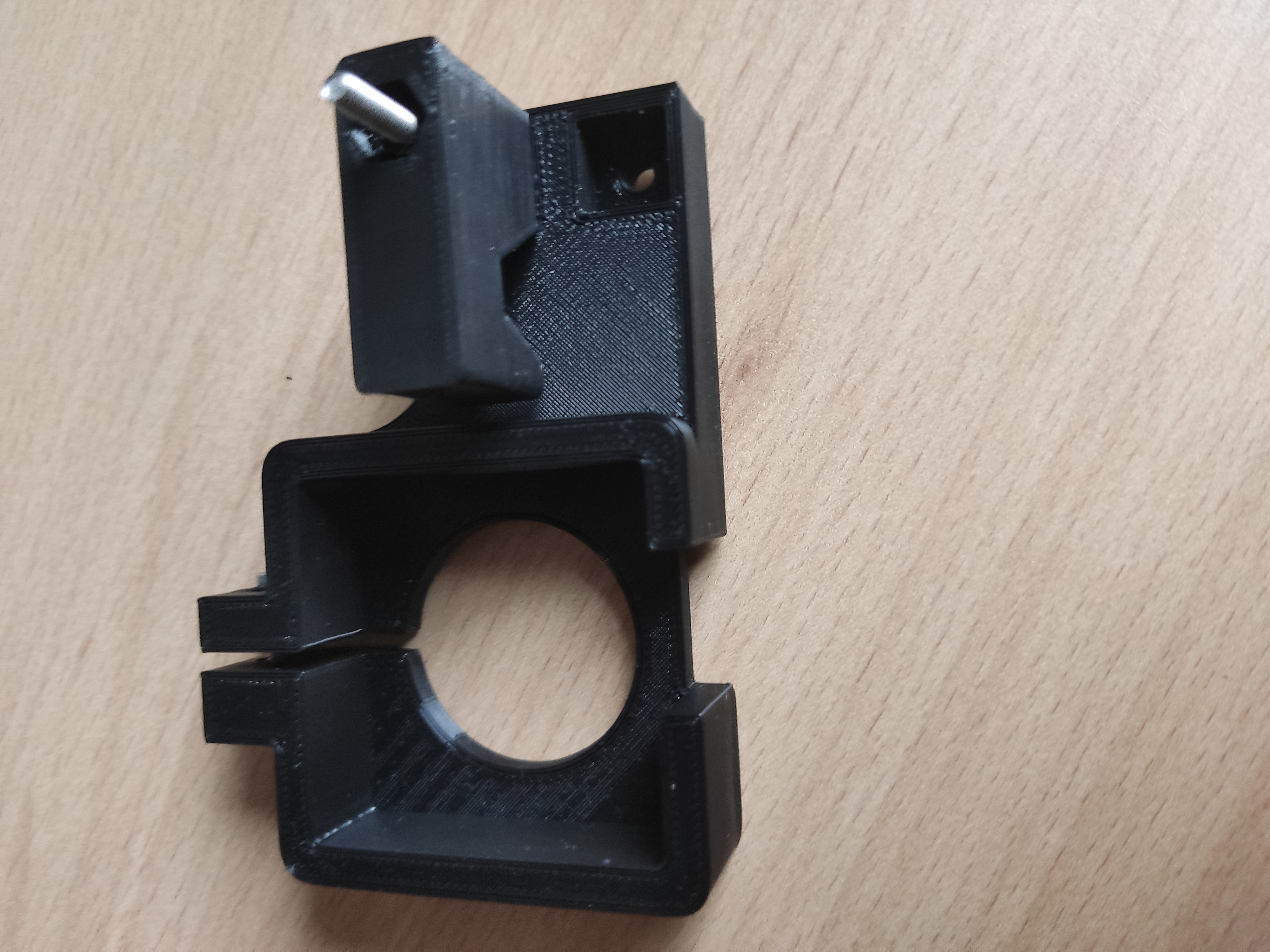
CZ: Model pak stačí namontovat na tiskárnu a zkalibrovat s tužkou. A jak model naslicerovat?
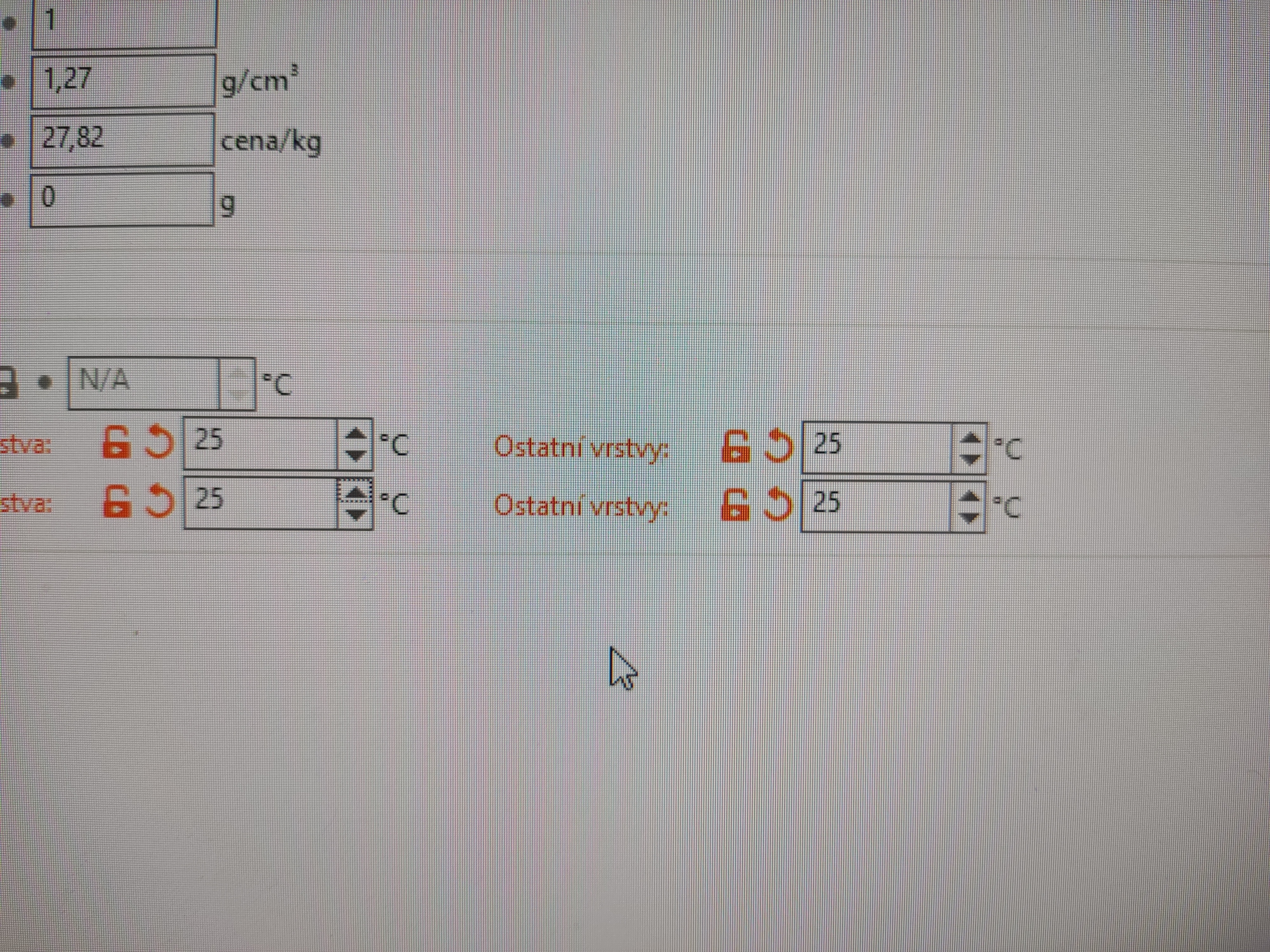
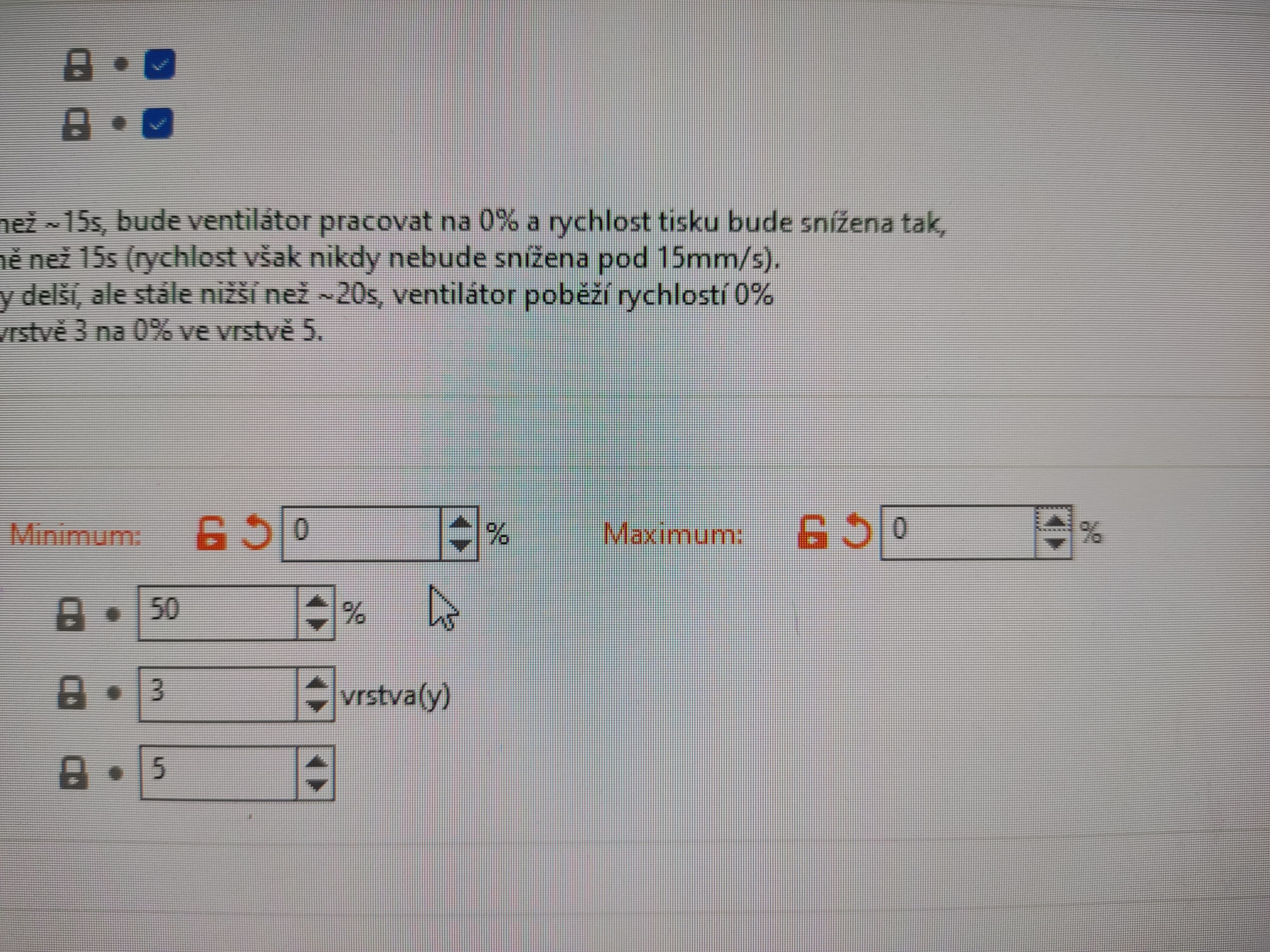
Podle následujících obrázků. Vše na 25 °C.
EN: Then just mount the model on the printer and calibrate it with a pencil. And how to slice the model? According to the following pictures. All on 25°C.
CZ: Vypněte ventilátor.
EN: Turn off the fan.
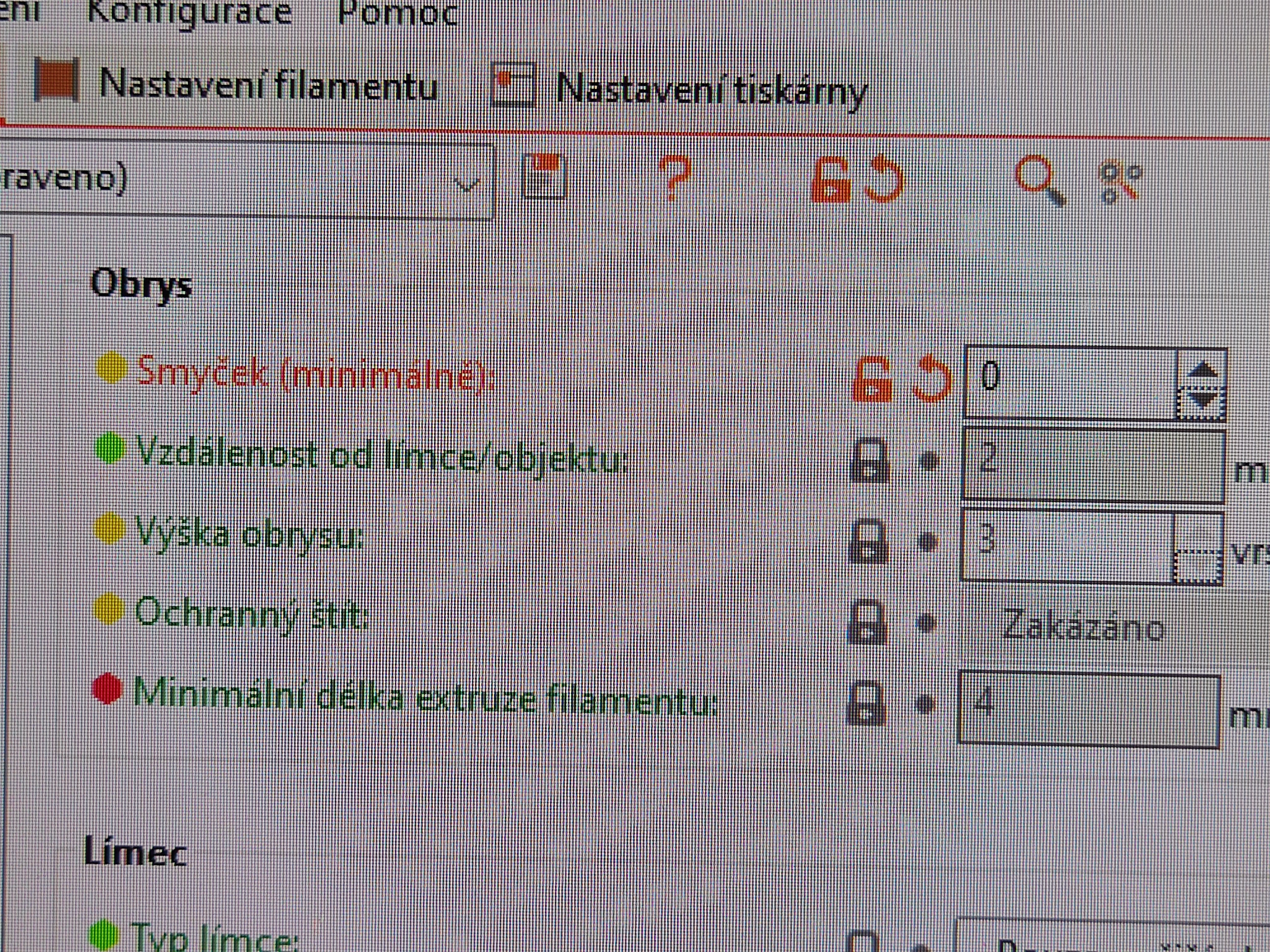
CZ: Pokud chcete, tak můžete vypnout obrys výrobku.
En: If you want, you can turn off the outline of the product.
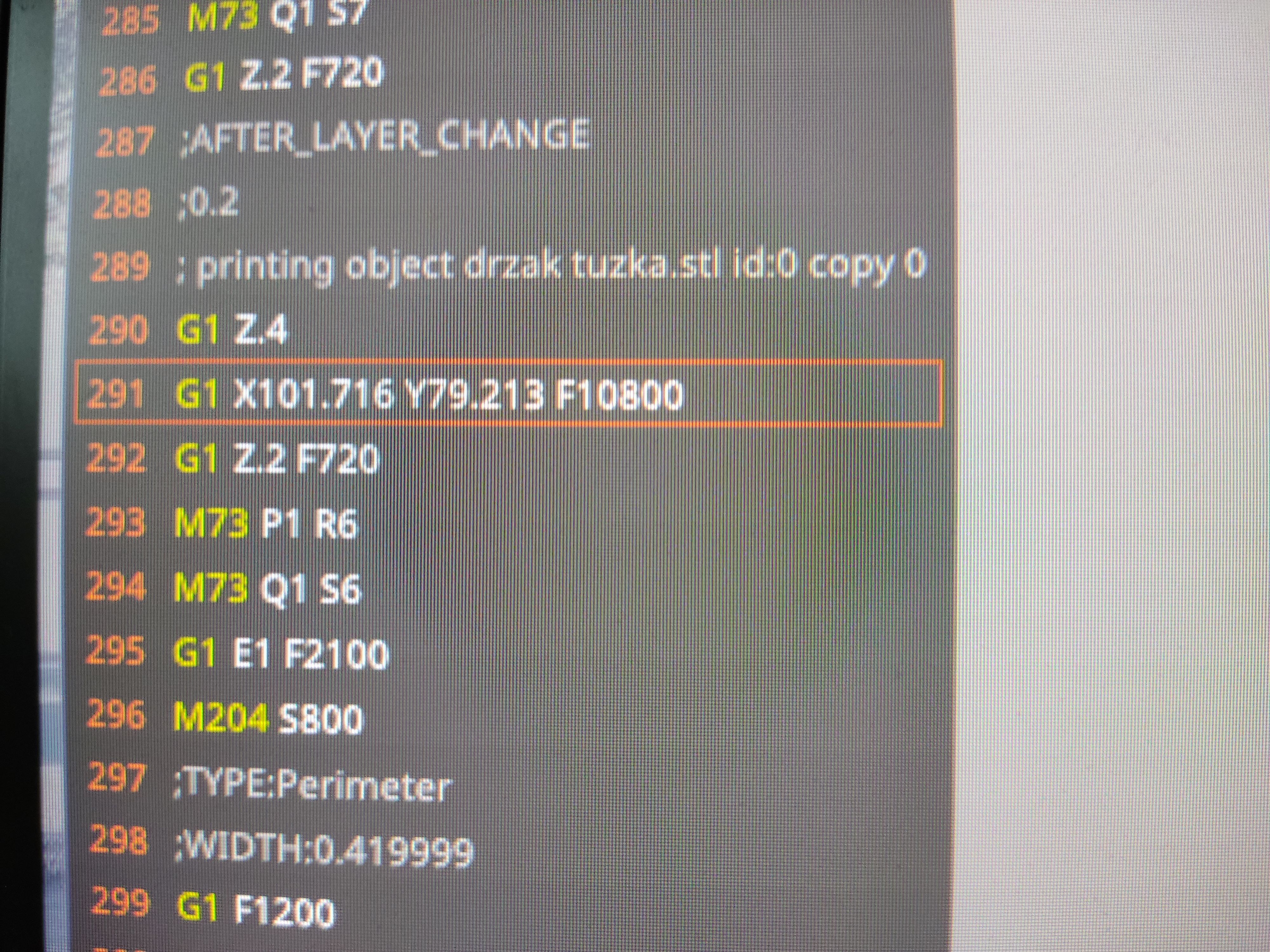
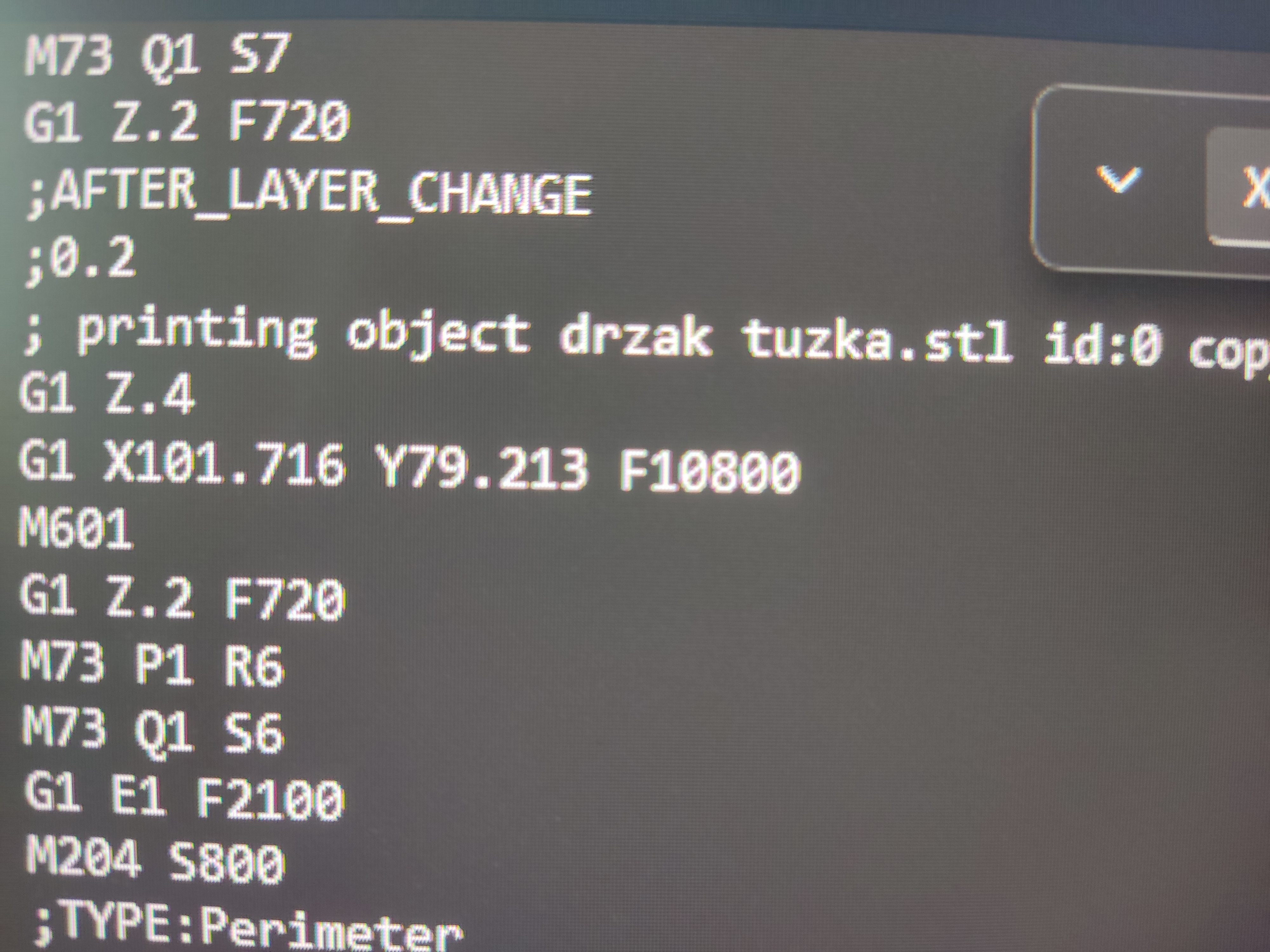
CZ: A nazávěr zvětšit zvedání osy Z na 10mm při přejezdu. A to je celý G-code. Před uložením G-code necháte animaci dojet až na tiskovou plochu a ještě než se tryska dotkne tiskové podložky, tak za tento kód napíšete příkaz: M601 To vám zajistí, že po kalibraci tiskárny před tiskem, se v daném místě tiskárna zastaví a vyjede do domovské pozice. Zmáčkněte propisku a na displeji zadejtete pokračovat a tiskárna vám vytiskne daný obrázek.
EN: And finally, increase the Z-axis lift to 10mm when crossing. And that's the whole G-code. Before saving the G-code, let the animation go to the print area and before the nozzle touches the print bed, you write the command after this code: M601 This ensures, that after calibrating the printer before printing, the printer stops at that point and drives to the home position. Press the pen and press continue on the display and the printer prints the picture.
CZ: To je vše, pro vyzkoušení jsem vám sem vložil zkušební G-code s názvem TEST. Když by jste měli dotaz tak klidně mi napište. Přeji podařený tisk :-) !
EN: That's all, for you to try out, I've put a trial G-code called TEST here. If you have a question, feel free to write to me. Happy print :-) !
