Roly-Poly Remote Holder
MIRVAX7

AIで類似品を検索


印刷プロファイル(0)
モデルファイル(0)
 0
0 0
0 0
0
公開日時:2026-03-07 19:11:52
0
0
 000
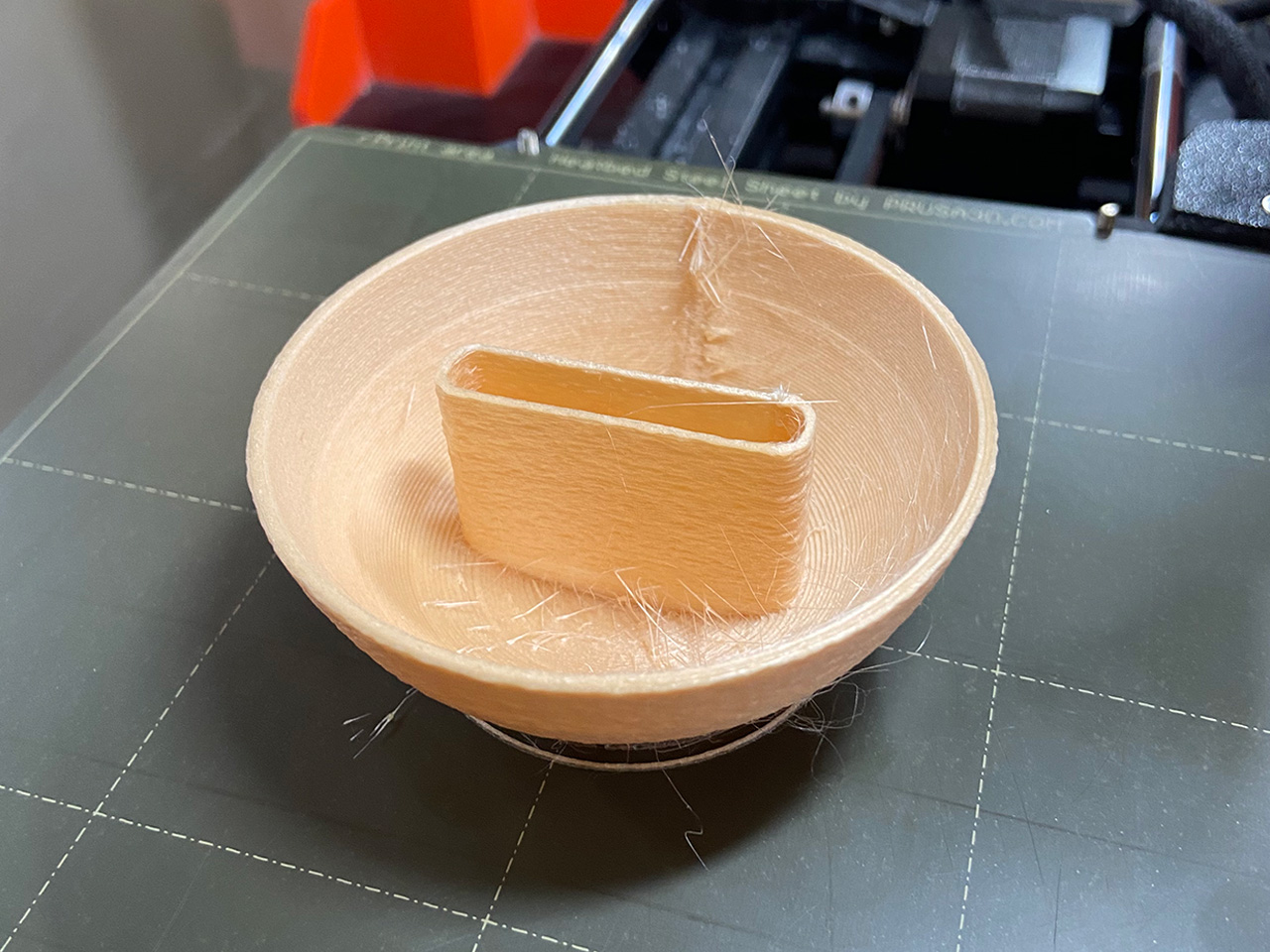
000Relieve the childhood delight (or experience it for the time) of a roly-poly toy that doubles a remote holder for the First Generation Siri Remote. Knock it over, rough it up…it always bounces right back with a smile on it's face.
P.S. I explored using a fuzzy skin and it turned out pretty well.
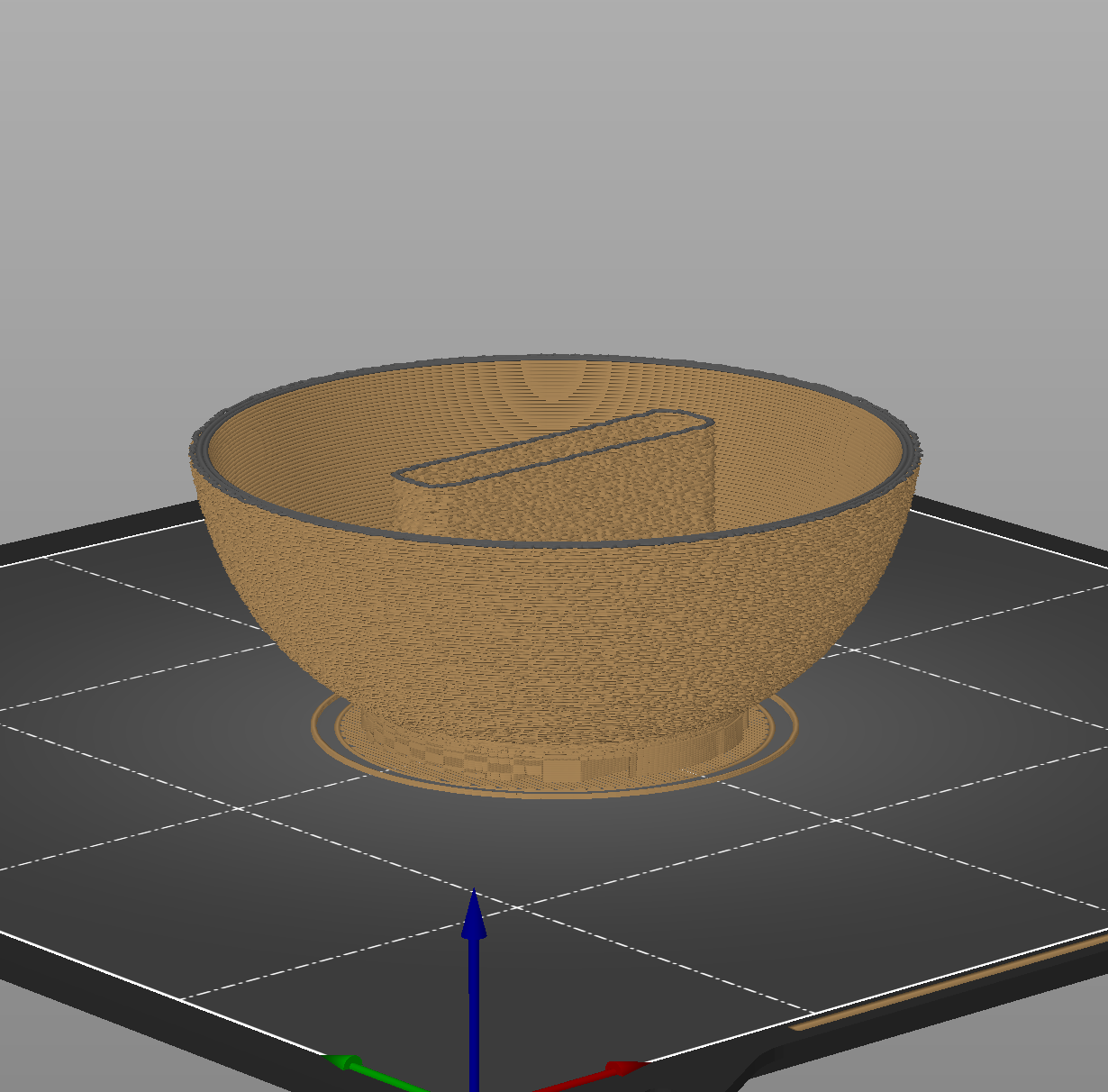
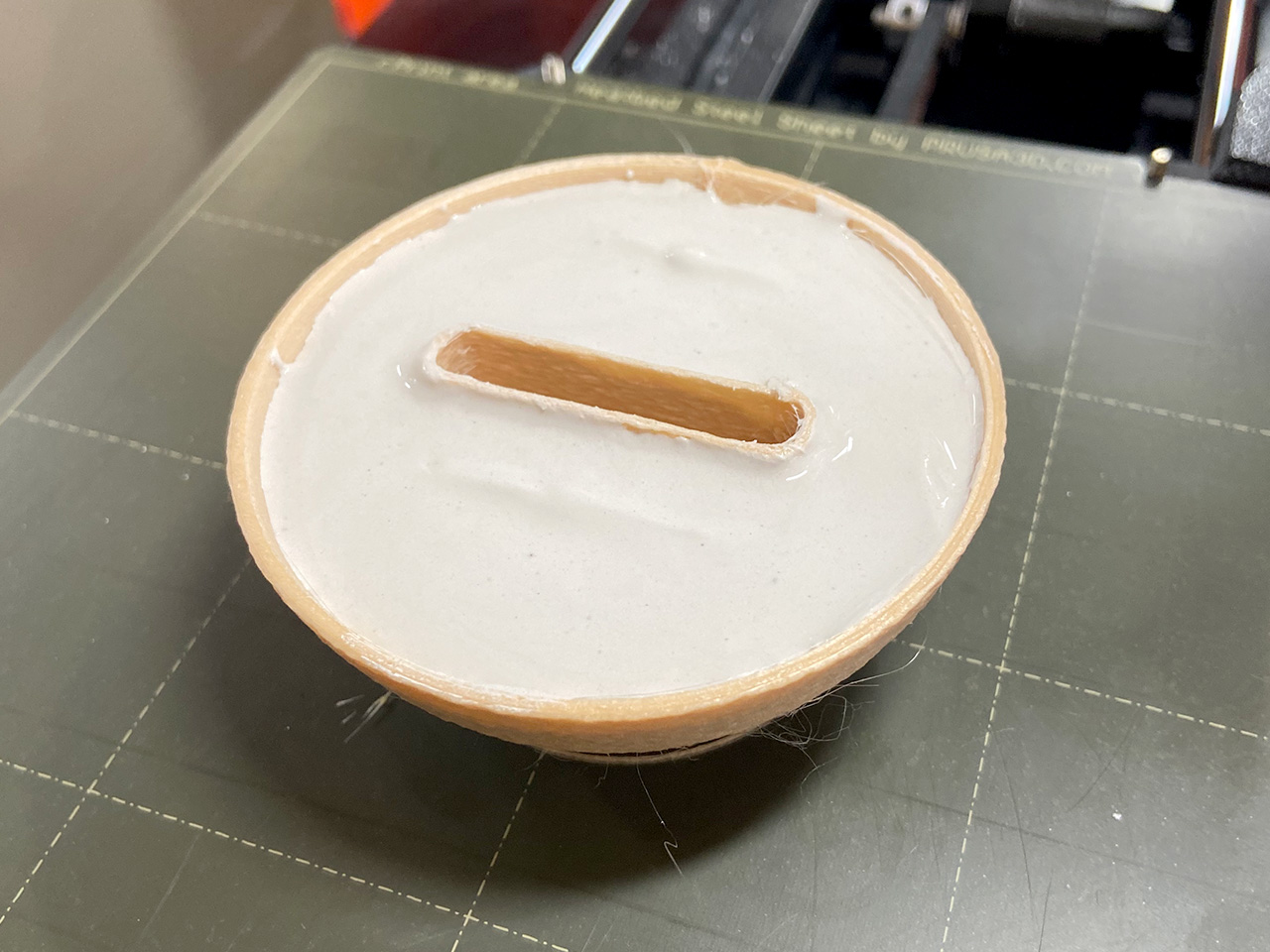
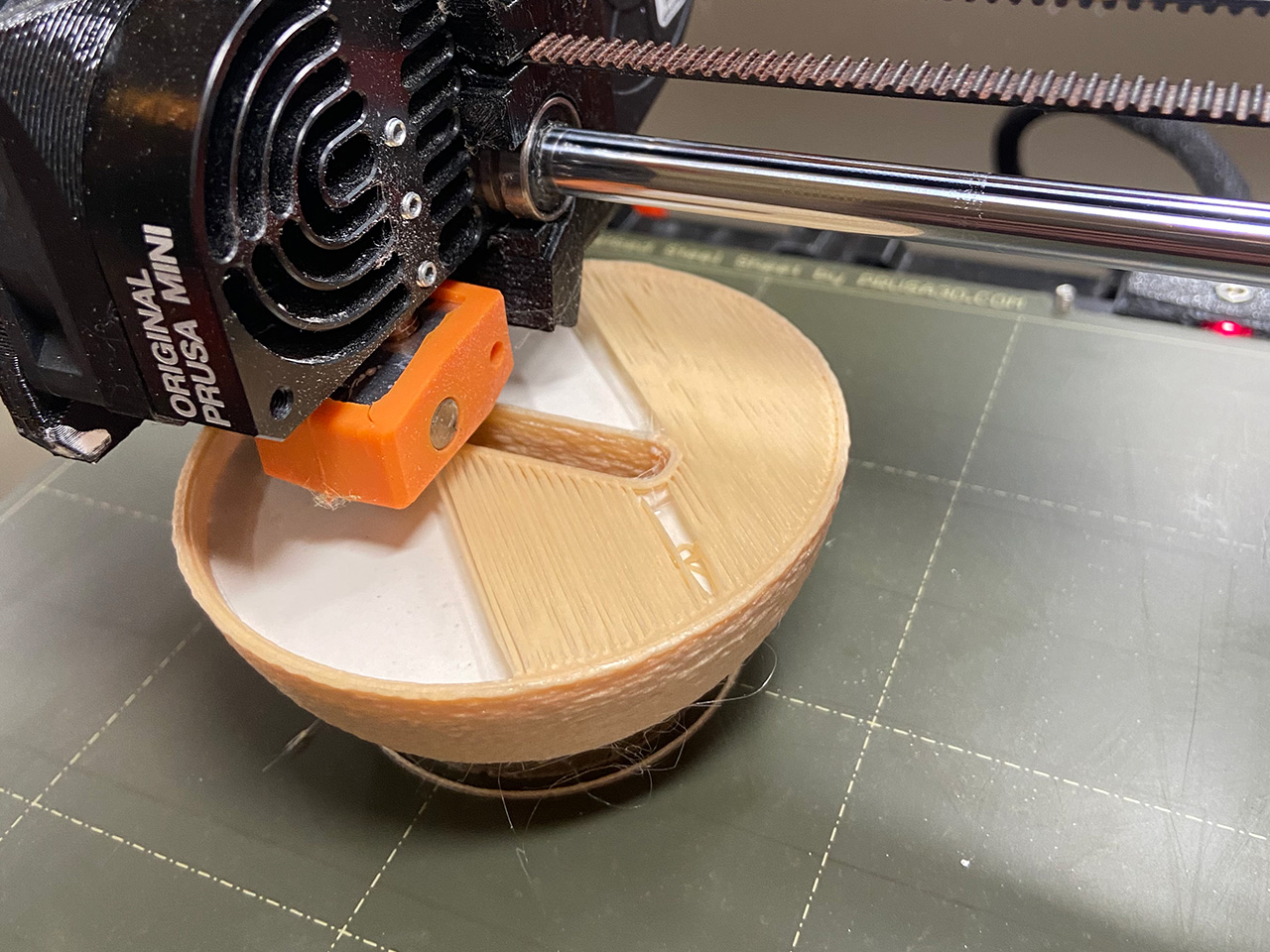
This print has a hollow shell in the base that needs to be filled/weighted to ensure it the Roly-Poly will return to the upright position (see image explanation below). I set a pause in the print right before the hollow shell is set be covered and poured in Plaster of Paris.

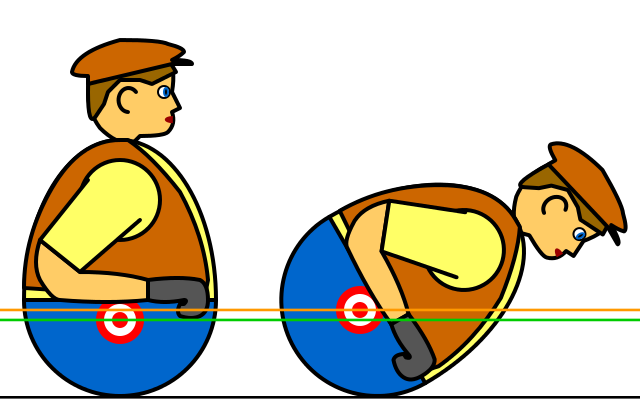
(This graphic is from the Roly-Poly Toy page from Wikipedia)
| Printer | Prusa Mini+ |
| Brim | No |
| Supports | Custom (see below & .3mf file) |
| Nozzle | 0.6mm Brass |
| Resolution | 0.40mm DRAFT |
| Infill | 5% |
| Filament | |
| Add Pause Print | Yes (see .3mf file) |
To make the print as clean as possible, I applied a 25% overhang support. Make sure to remove the added supports on the face & bow-tie since they are not needed.
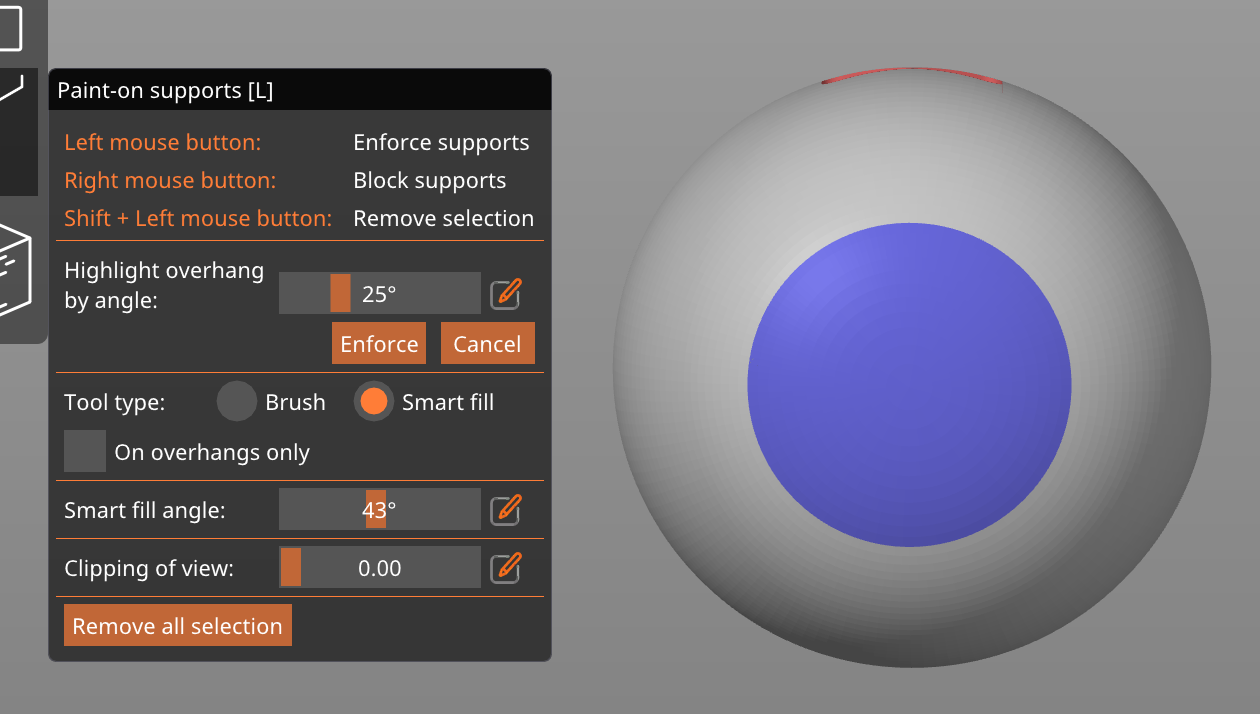
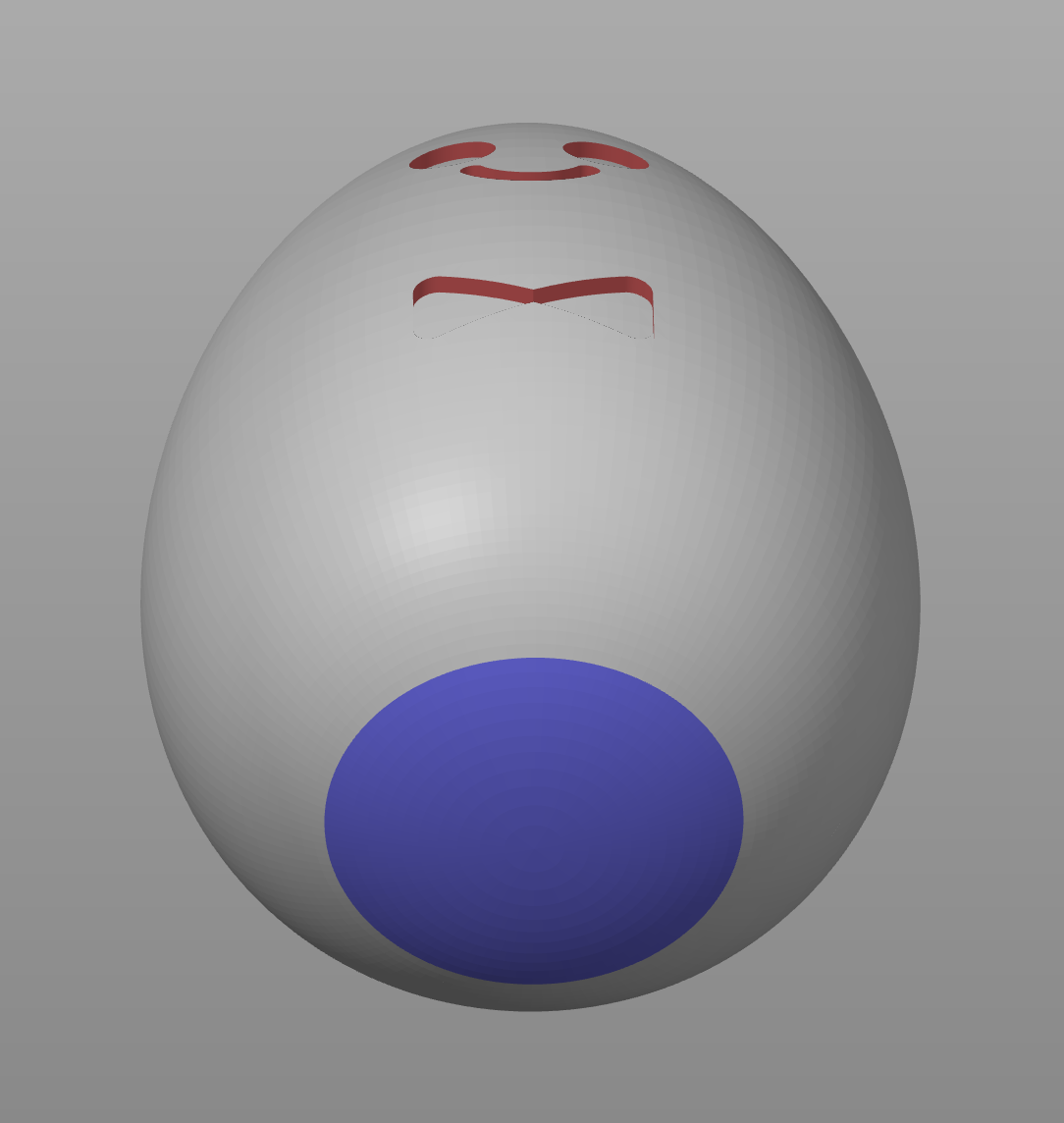
I also set the support style to “Snug” which gives a minimal but very secure base.

Since this has a hollow interior, you have to make sure supports don't added to the area where we want to add the Plaster of Paris.
If you end up with supports in the interior like the image below, you have to use the “Clipping of view” setting until you can see the inner area and “shift + right click” to disable supports. It should be red (not blue). If done correctly, the interior should be completely empty.
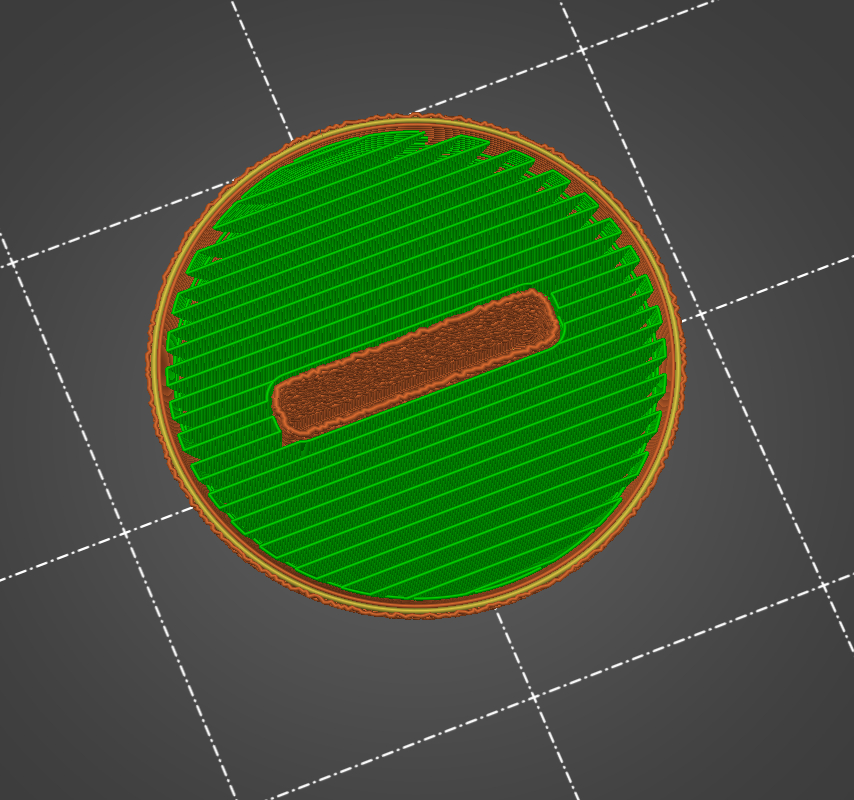

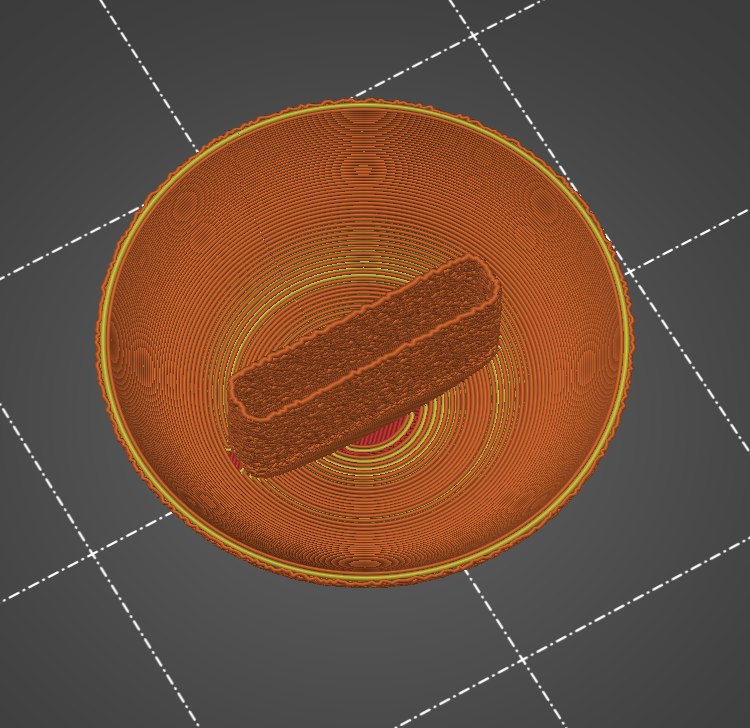
The .3mf file provided has supports set up correctly
I added a print pause (M601) at 31mm which is a couple layers before the hollow shell will be covered. I mixed up Plaster of Paris and pour it in and the carefully wiped down the edges.