
14 Segment Display Name Tag
SlyGlobe

AIで類似品を検索


印刷プロファイル(0)
モデルファイル(0)
 0
0 0
0 0
0
公開日時:2026-06-14 03:13:16
0
0



 000
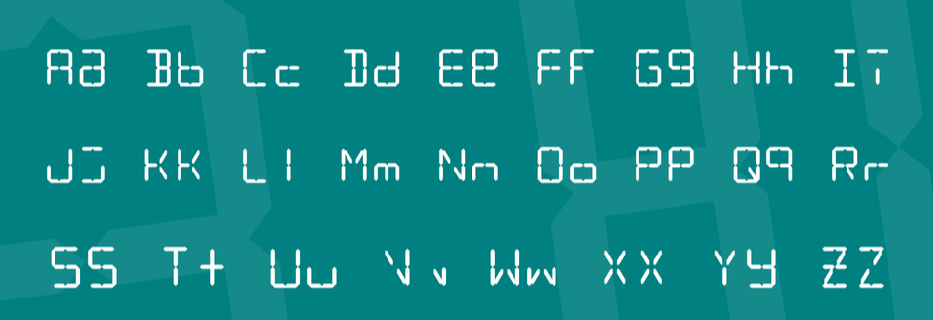
000Retro style name tag with 14 segments per character. You simply color it in with a Sharpie, or edit the CAD file below and remove segments.
It's recommended to NOT use Bambu Handy to print UNLESS you want a blank tag, if you use the desktop slicer you can use the color paint tool in fill mode for a permanently-colored tag with only 1 filament change. If you do not have an AMS and want to use color paint, you will need to edit your filament change gcode (just look up instructions for your printer).
Here's the alphabet with upper and lower cases:
Of course, you can create most other ASCII characters if you're creative ;)
