
Printer Config
shirley2020

Trouver des similitudes avec l'IA
Profil d’impression(0)
Fichier modèle(0)
 0
0 0
0 0
0
Publié:2026-02-28 06:50:34
0
0
 000
000

https://www.youtube.com/channel/UCBjyI1E1HROh1BAYgeRZy7g
Support my work: (click on image)

https://www.buymeacoffee.com/savagelau
You can get commercial license from here: (click on image)

https://www.patreon.com/SavageLau
______________________________________________________________________________________________________________
Printer Configuration that I am using on Prusa Slicer.
Download config from “Other file”
You need to download the configuration file and Prusa Slicer. In order to aovid bug, please make sure your prusa slicer version is 2.5.0.
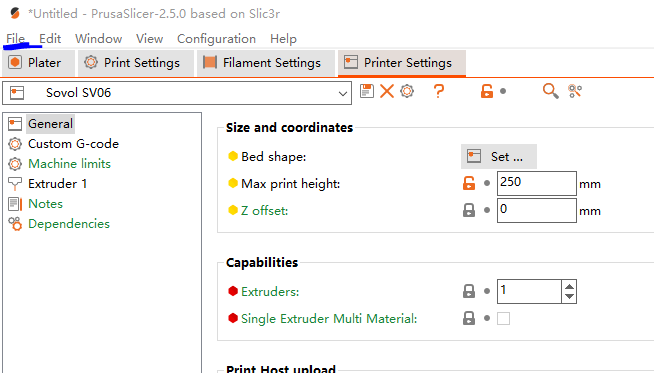
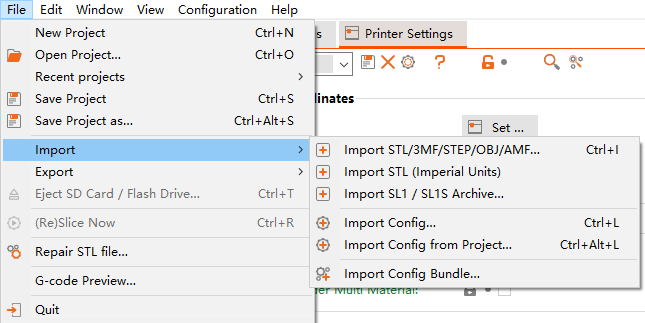
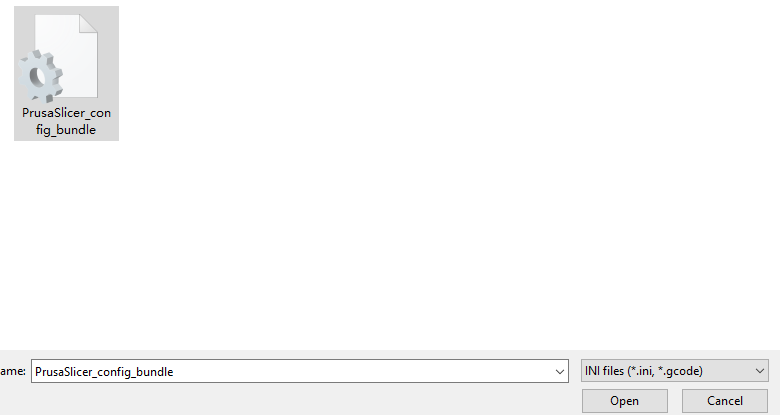
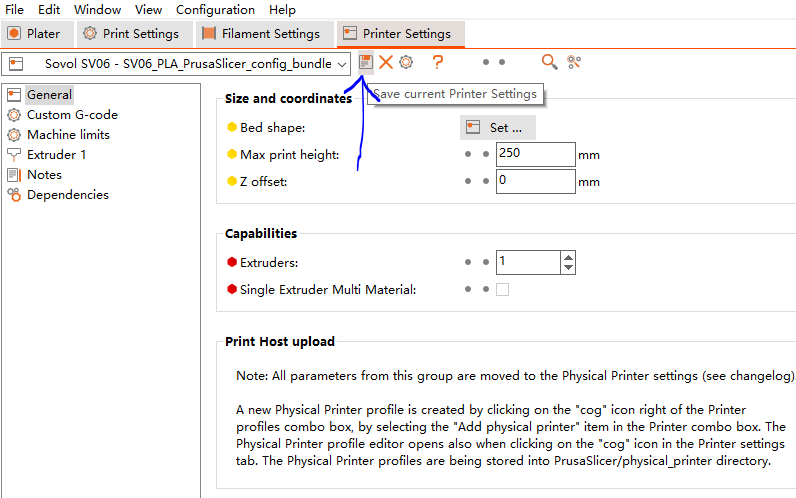
As shown:
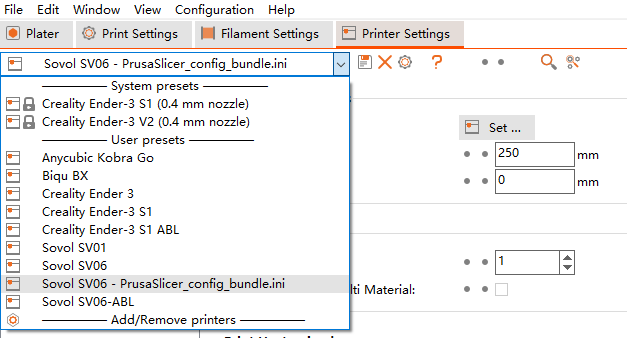
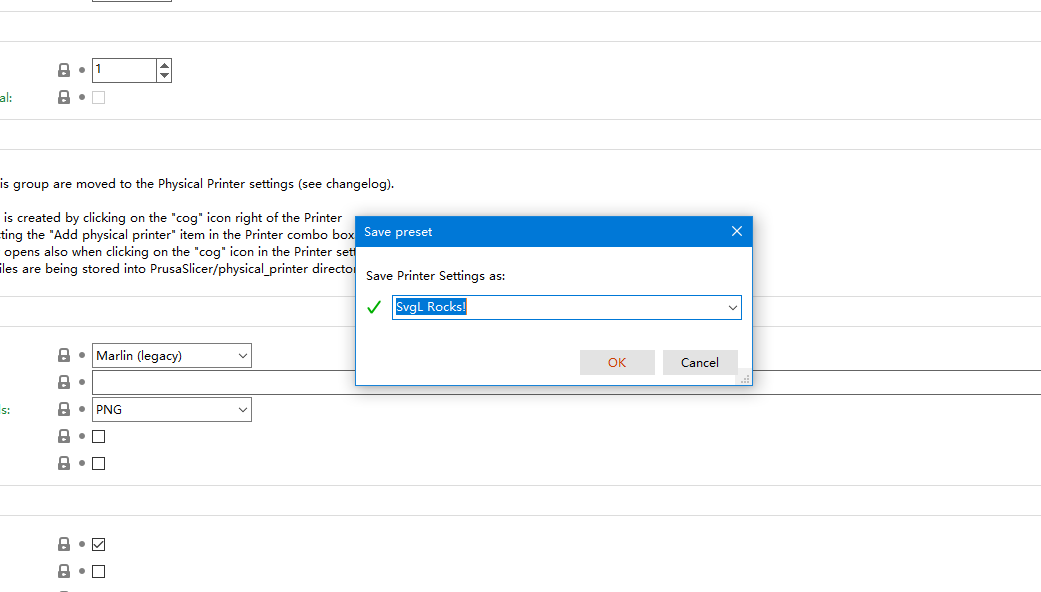
Now, it will store on your computer.
Hope that will help.
