Customizable microscope camera case for Raspberry pi HQ cam
Thyme Bunny

Encuentre similares con IA


Perfil de impresión(0)
Archivo de modelo(0)
 0
0 0
0 0
0
Publicado:2026-02-07 19:35:59
0
0
 000
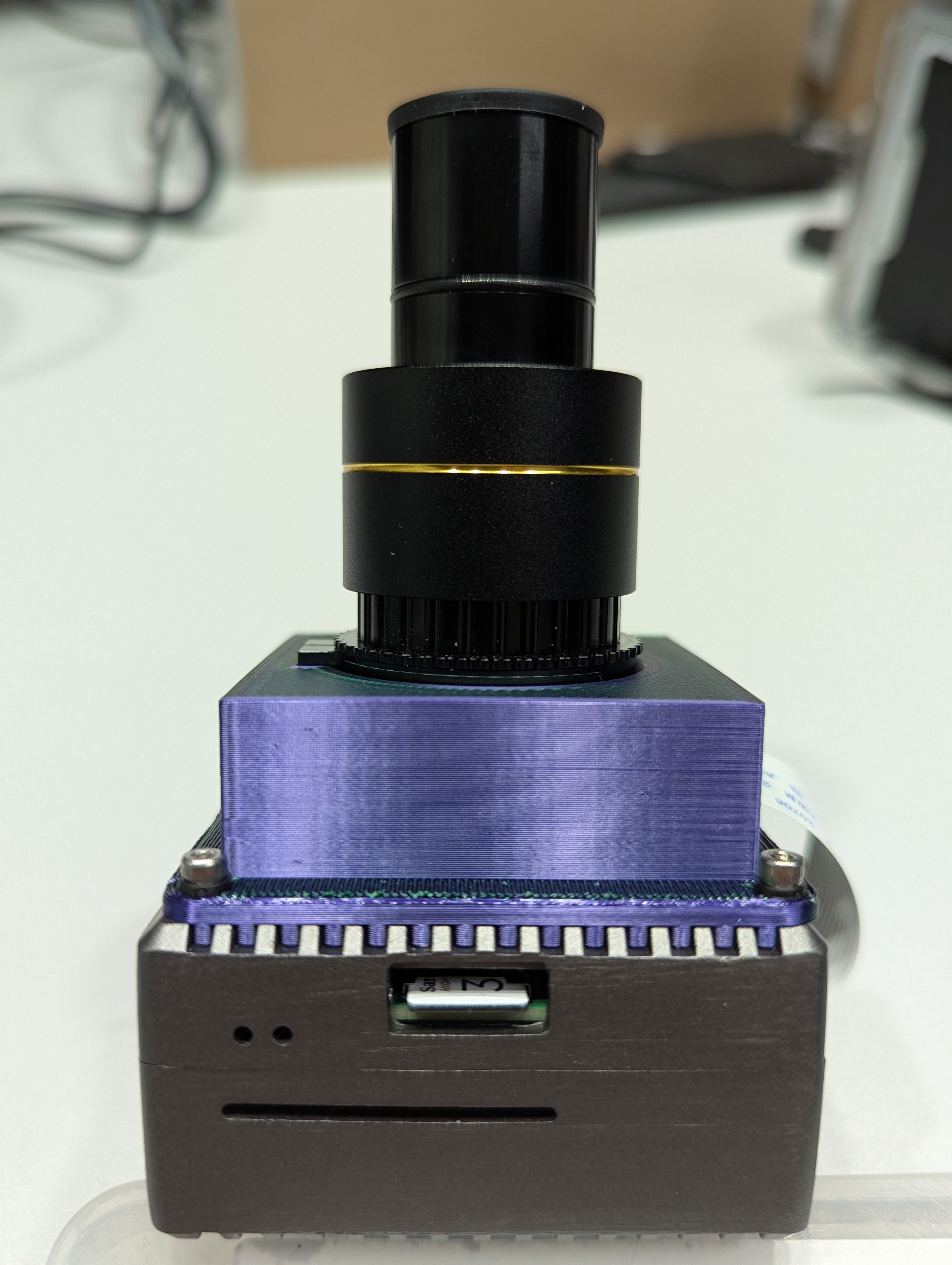
000This is a case for the raspberry-pi-hq-cam (the one with the c-mount-adapter) to adapt it right onto the so called “full-armor-case” for the Raspberry Pi 4, and have it balanced enough, so that you can mount it instead of an eyepiece-adapter to microscopes, that uses 23.2mm diameter eyepieces (but can be adapted to other sizes as well). By using OpenFlexure on the Raspberry Pi, you can transform your old, boring analogue Microscope to a fancy new digital one.
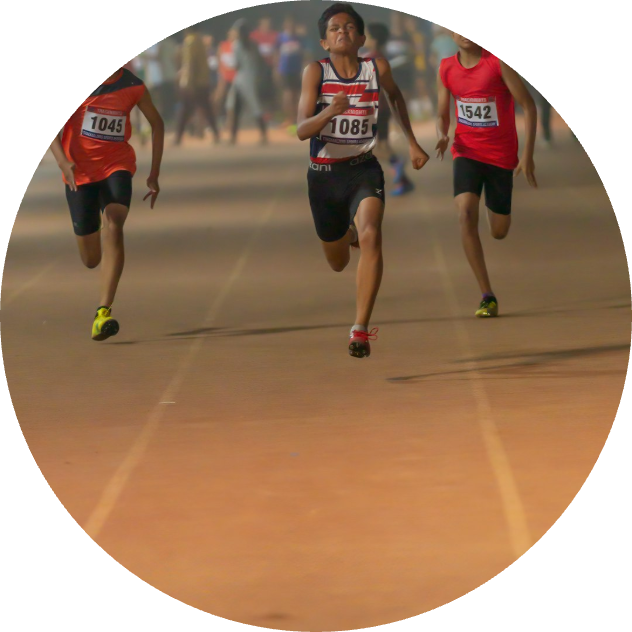
In the pictures above are also some example fotos made with this cam:
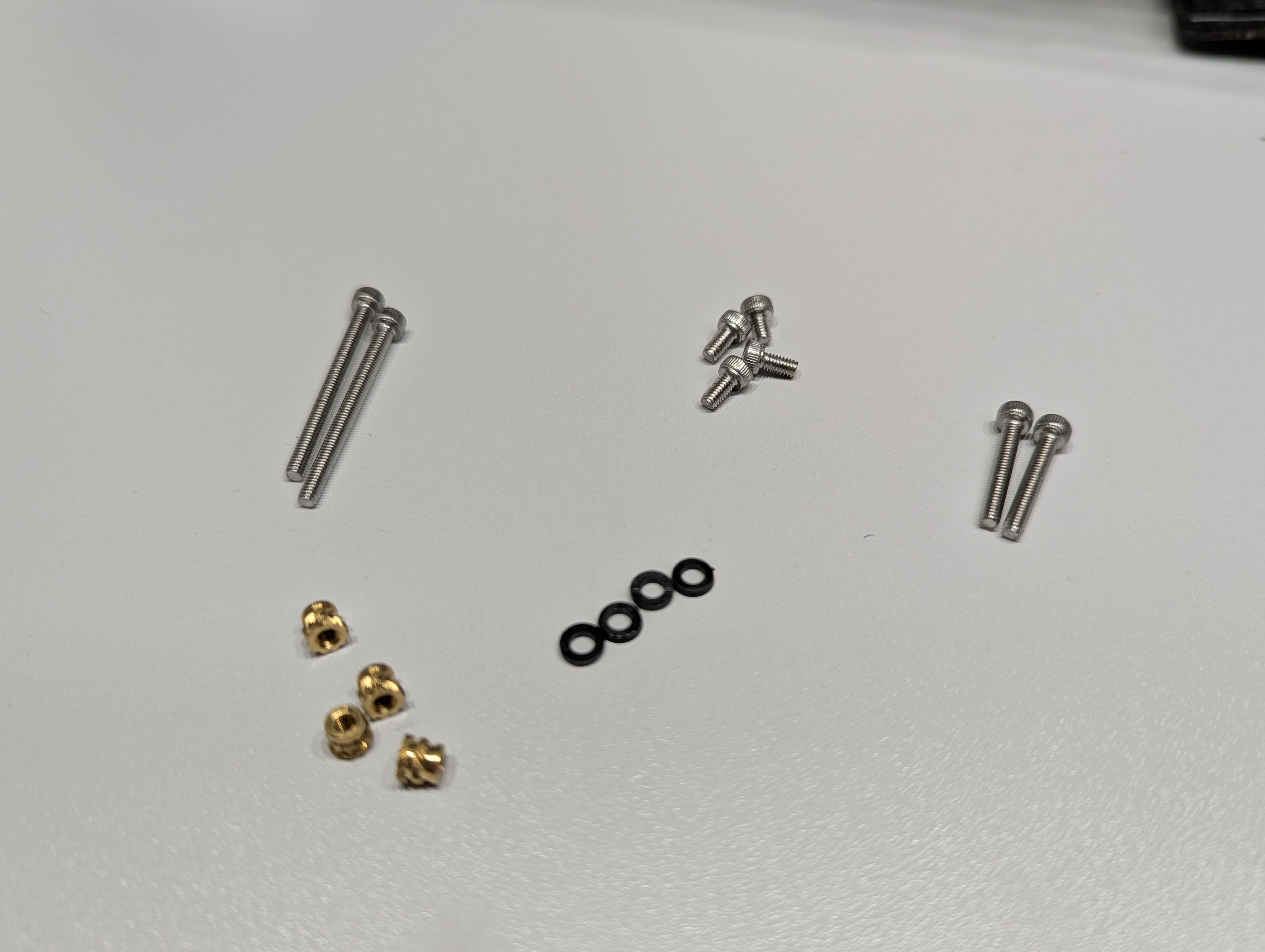
Fasteners and mounting hardware:
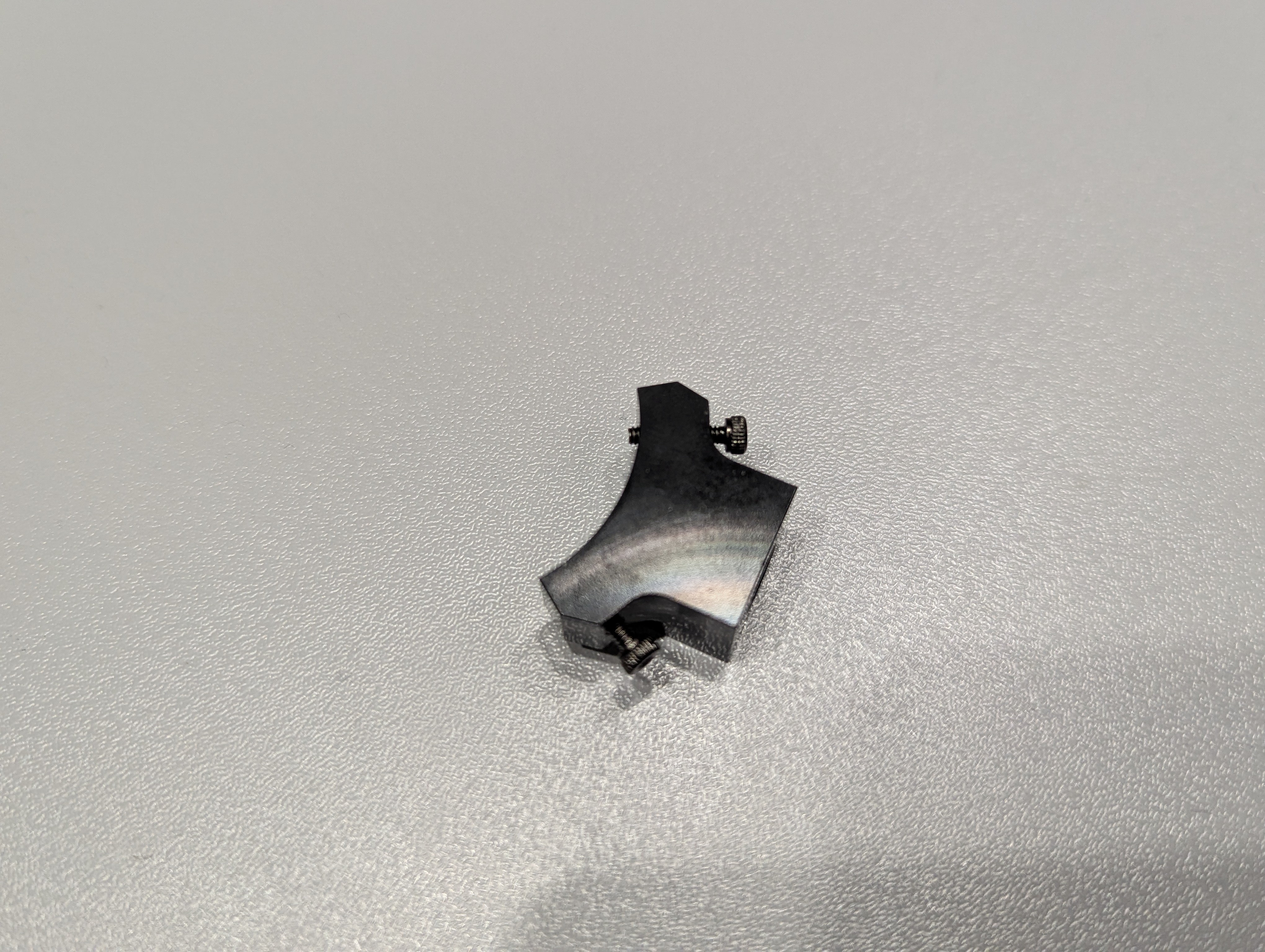
1. Remove the mounting bracket from the Raspberry Pi HQ cam:
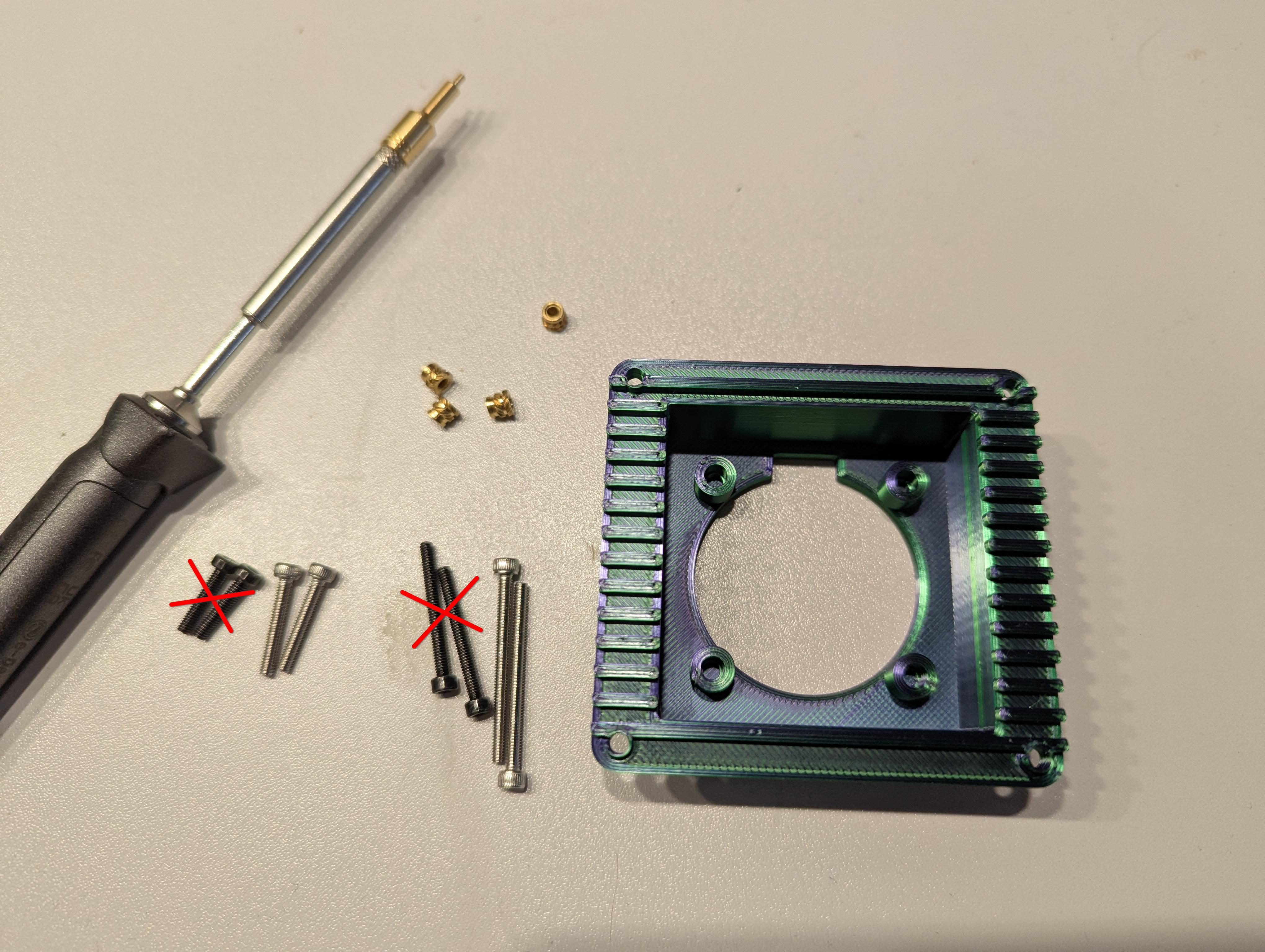
2. Use the screws from the BOM, not the included ones from the camera and pi-case:
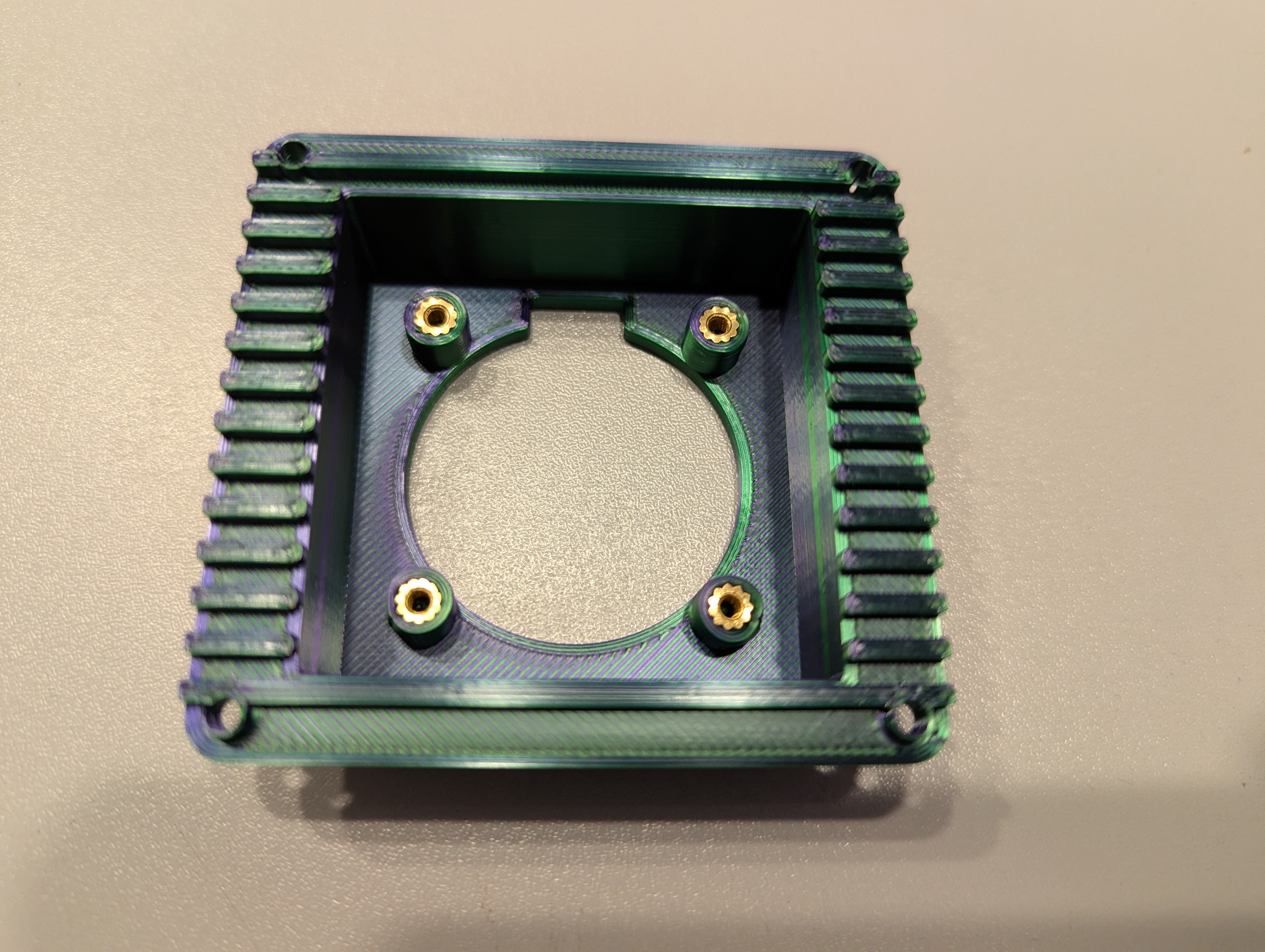
3. Melt the heat-set-inserts into the inner screw mounts:
4. Screw the camera to inner screw mounts with the M2.5x6 screws, feed the cable through the opening:
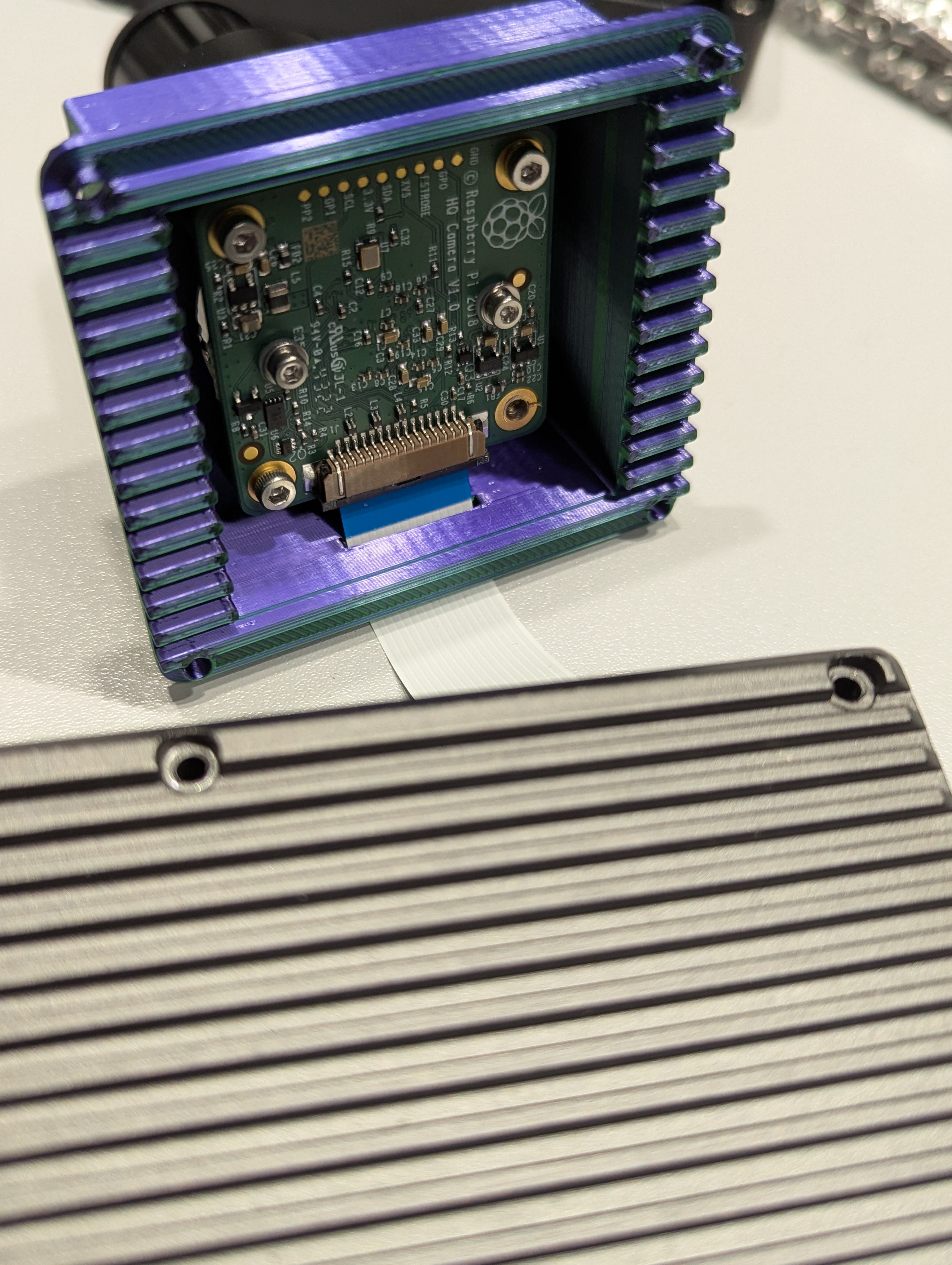
4. Connect the cable to the cam and to the Raspberry pi (with contacts on the cable facing the camera-board):
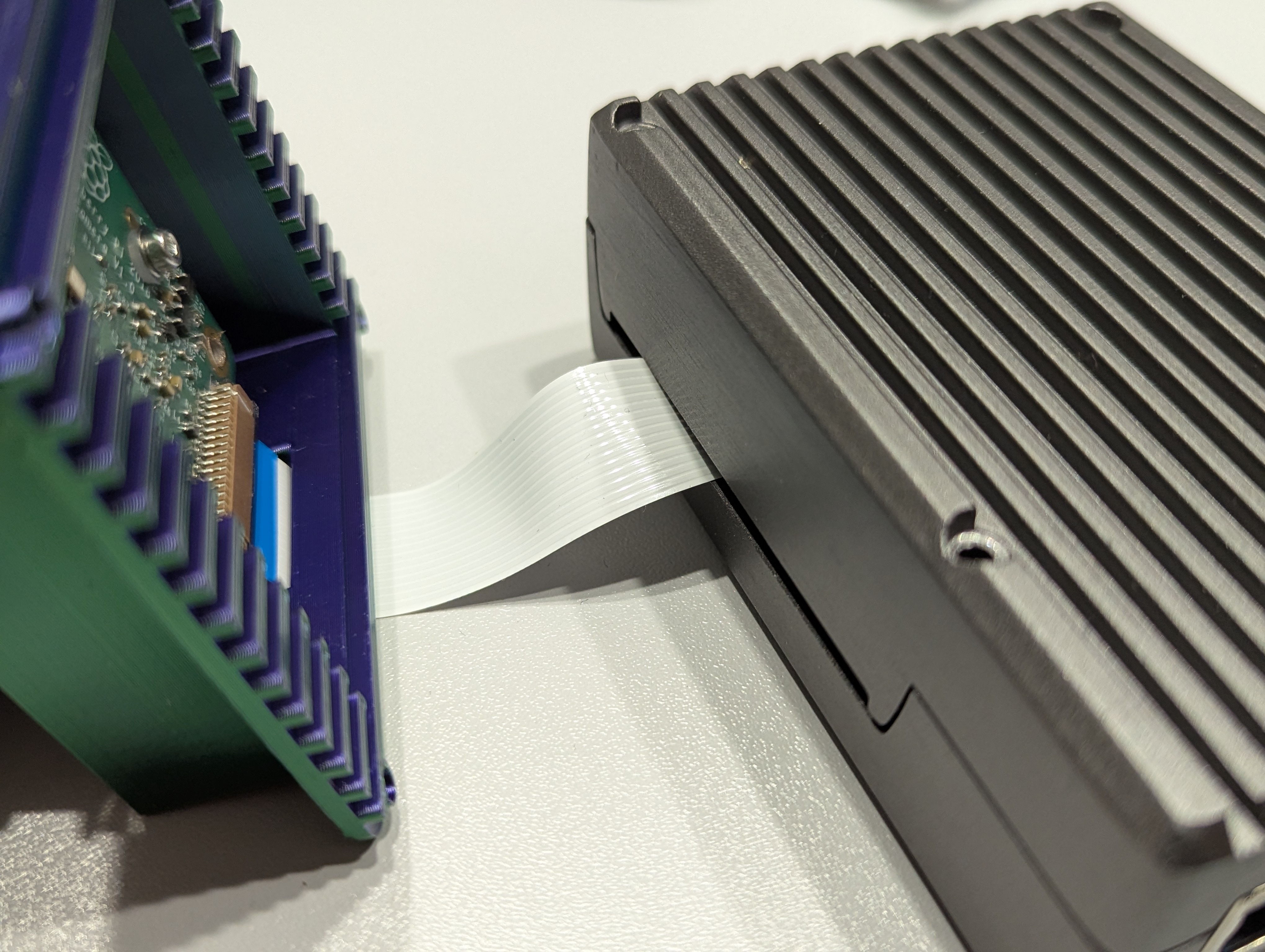
5. Screw the cam case to the Raspberry Pi armor case with the m2.5x16 and m2.5x30 screws respectively:
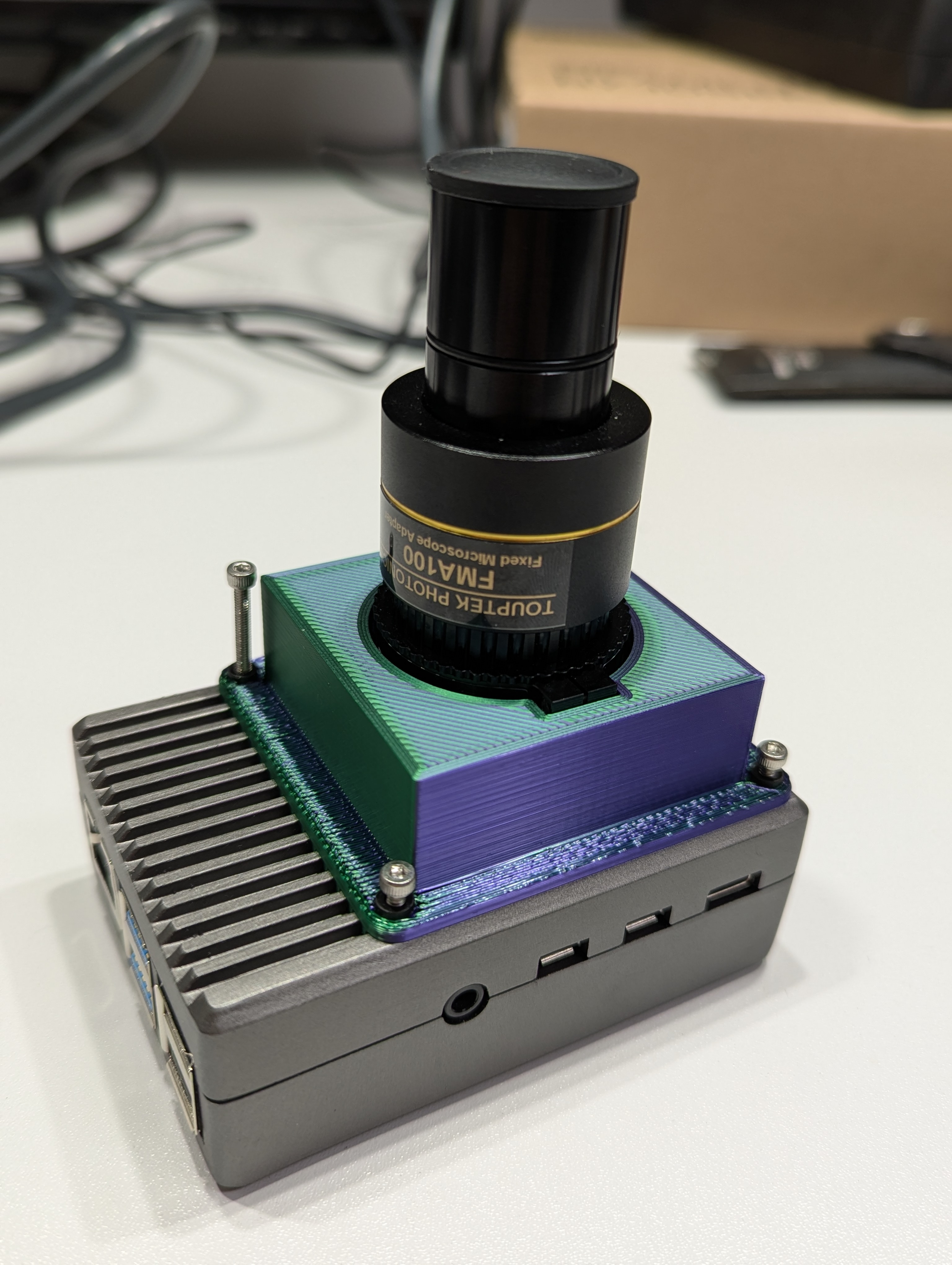
6. For the cam setup we are using the OpenFlexure Software.
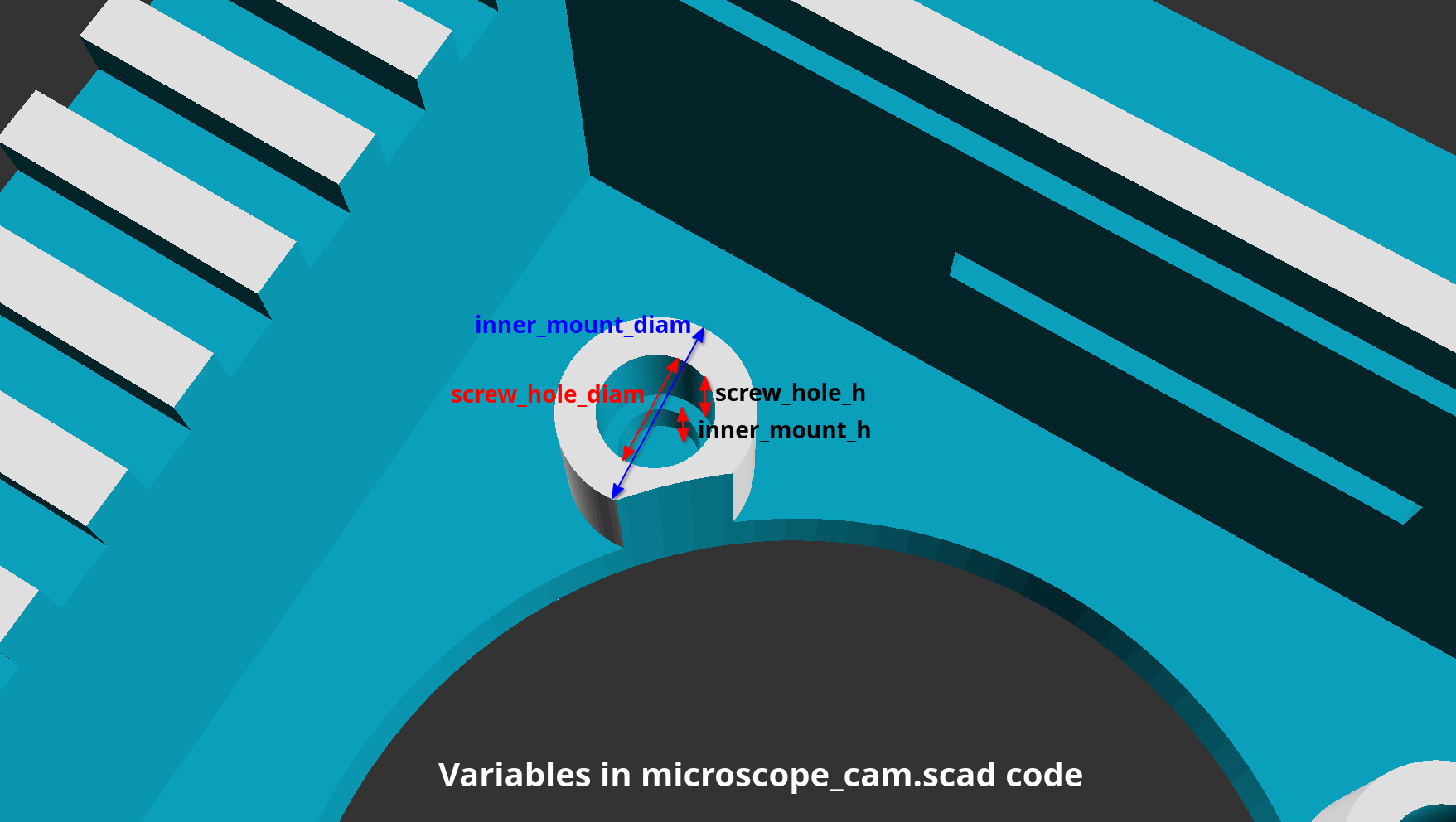
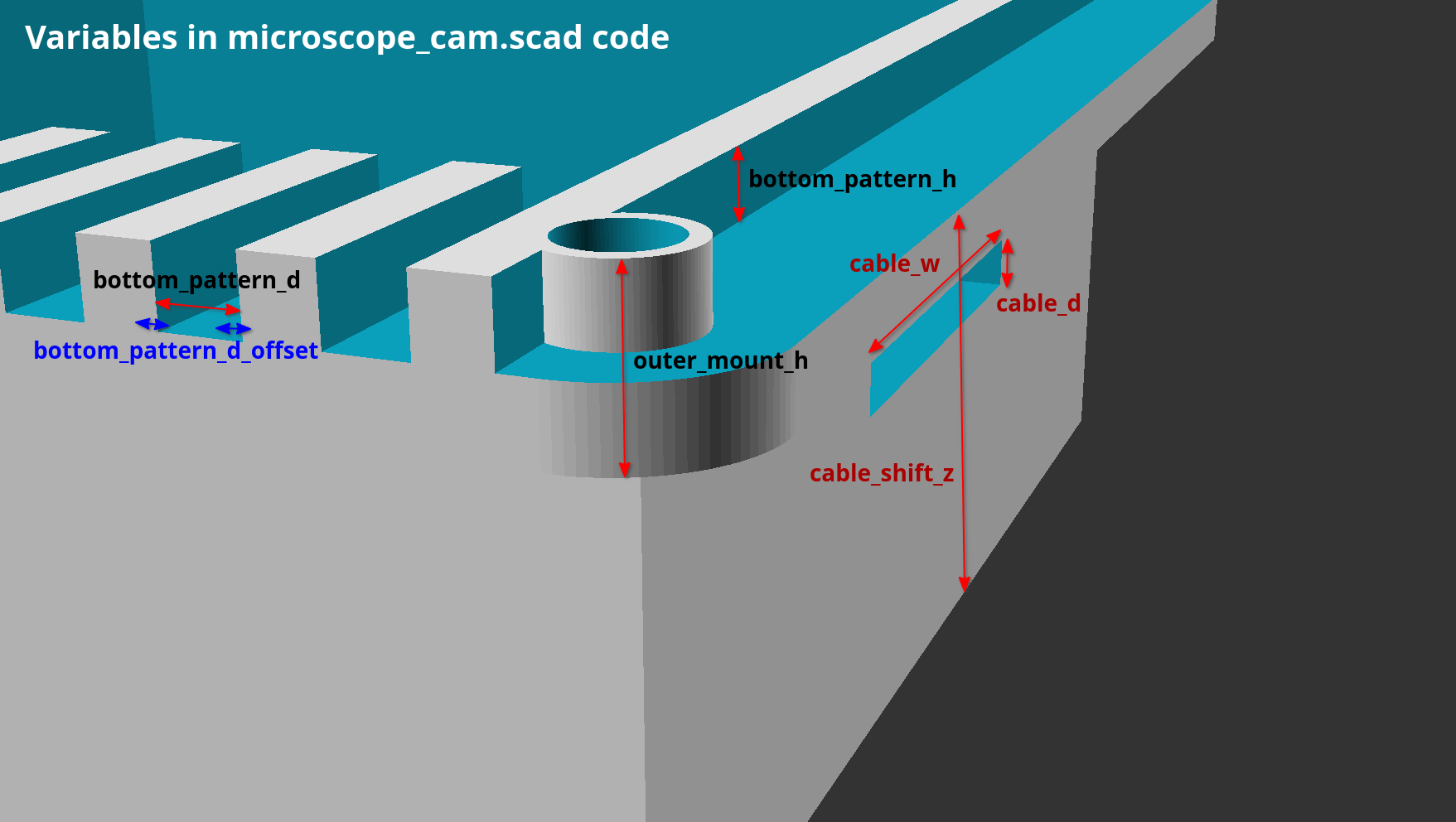
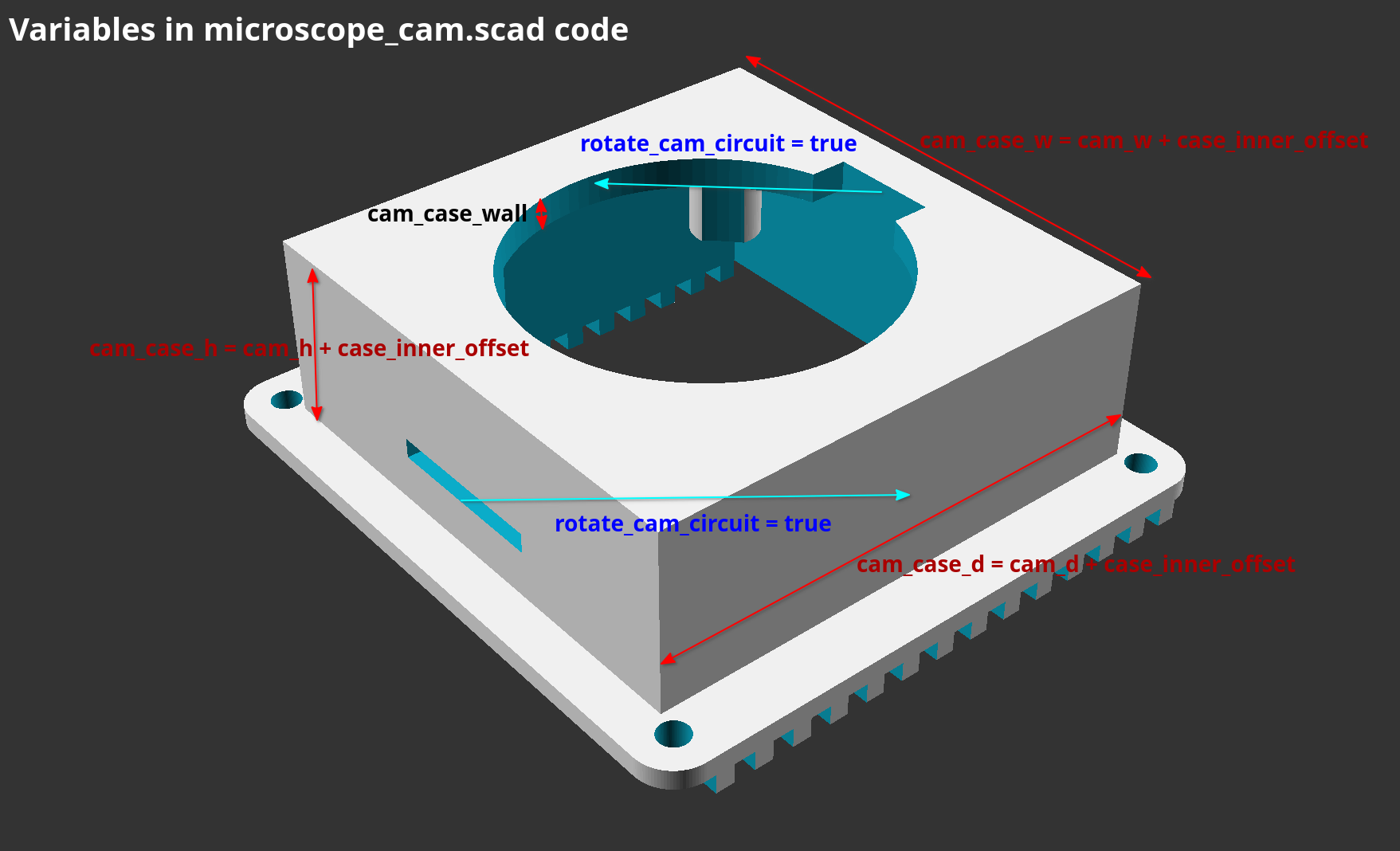
Using the given OpenSCAD code and the OpenSCAD Customizer this cam case is fully customizable. However, the included STL should fit perfectly, if your printer is able to print dimensional accurate models. The following pictures are annotated with the customizable variables inside the OpenSCAD code (see microscope_cam.scad file).