
Power Switch ATX24 Adapter Case
Fennilari11

Find Similar with AI


Print Profile(0)
Model File(0)
 0
0 0
0 0
0
Published:2026-06-01 07:10:55
0
0



 000
000Are you accustumed use a paper clips to make jumper "PSOn" pin (green wire) to Ground (black wire) on Power Supply ATX for test it, right? Yes, I guess. Now, with this project, you don't need to do this never more. You can turn your power supply on or off more easily. And, with the OpenSCAD source file, you can modify this project for your purpose.
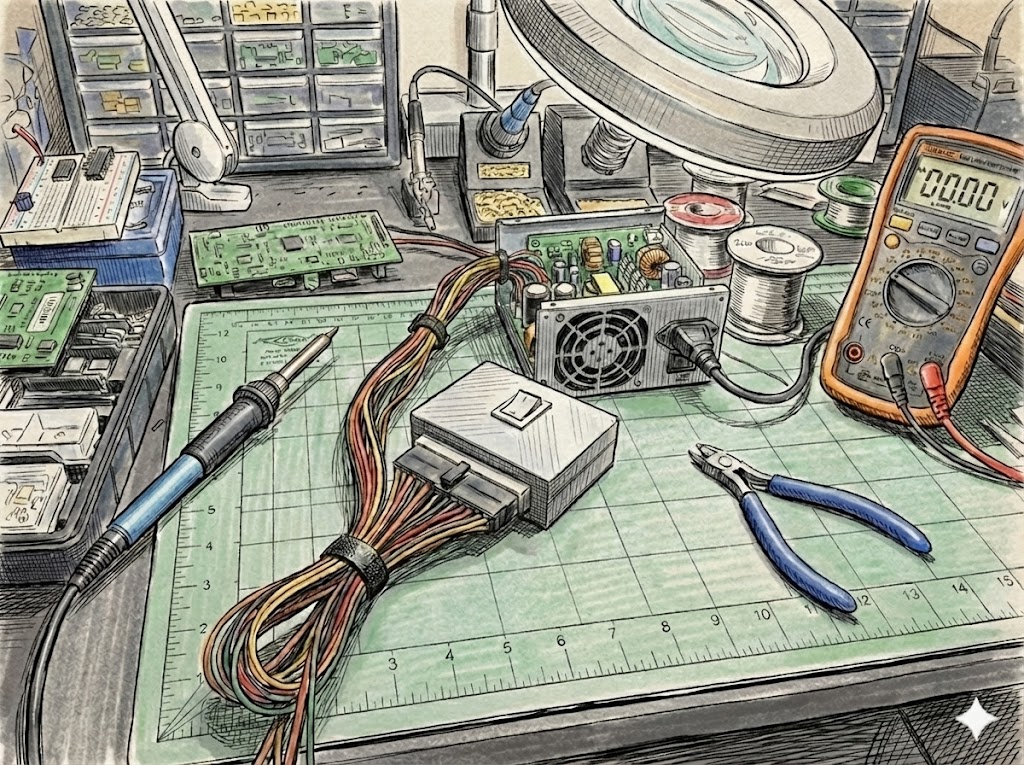
Materials:
Printed parts (*)
1 x ATX Connector: get the ATX connector of any motherboard
1 x seesaw wrench with 2 terminals (On/Off key)
1 x wire jumper +/- 20mm
4 x screws M3x12mm
Others: Super glue, solder etc
(*) The models were made with OpenSCAD software (scad source files are available).
Printing Settings recommendations:
Layer 0.2mm
3 walls
No support
Assembly Instructions:
1- Put the seesaw wrench (key) in the cover
2- Solder a wire jumper to connect PSOn pin at T1 of On/Off key. Solder T2 at ground pin.
3- Put the ATX24 Connector in printed plate (use a super glue)
4- Mount the plate in the case on the right place
5- Finalize mouting the cover and base with screws
