Print in place boxes
Hamish Sandra

Mit KI Ähnliches finden


Druckprofil(0)
Modelldatei(0)
 0
0 2
2 0
0
Veröffentlicht:2026-05-20 11:40:38
2
0
 020
020Include 6 boxes that fit into each other.
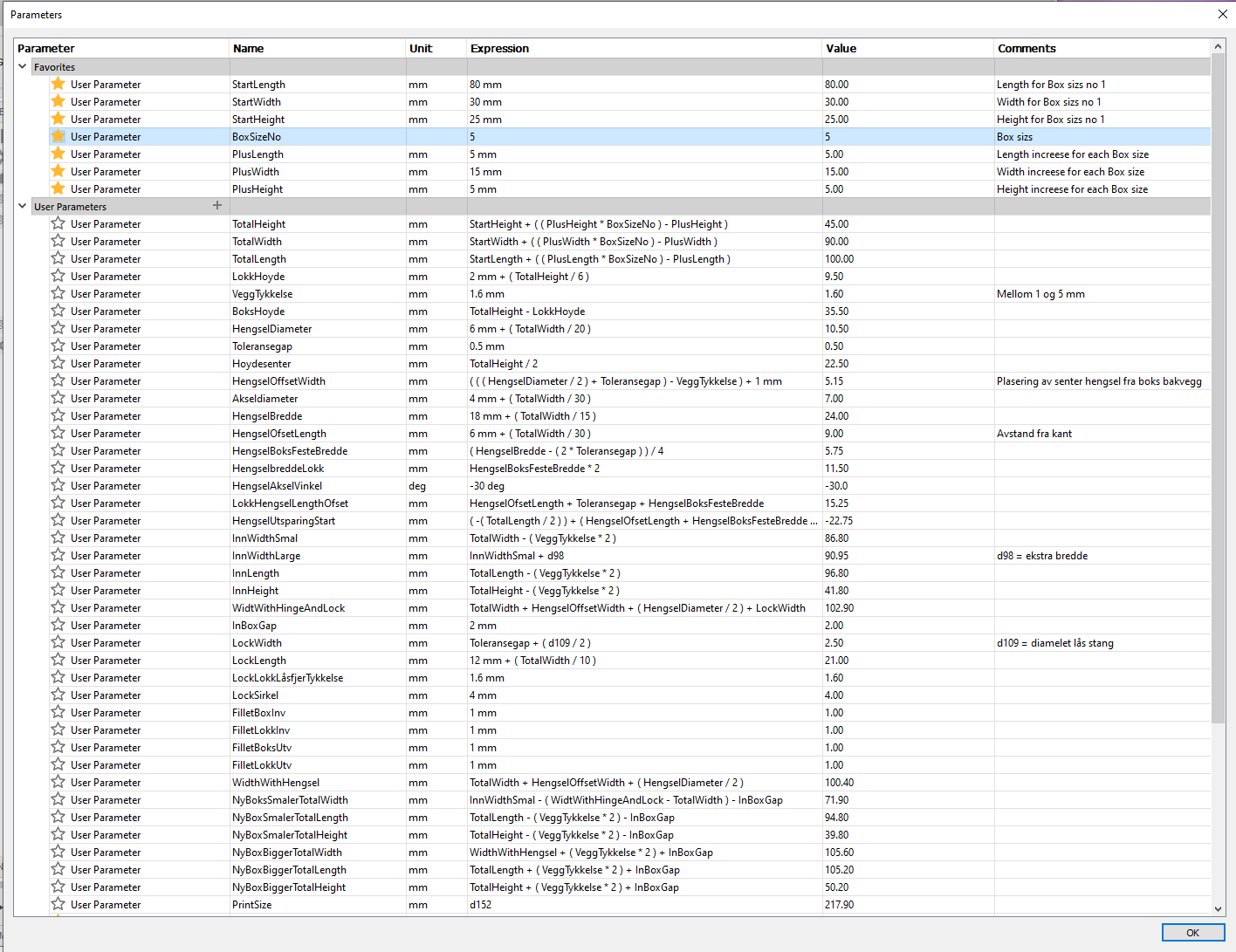
Customizable by Fusion360 f3d file (ParameterBoks-V6 v7.f3d)
Box sizes are fully customizable with Fusion 360.
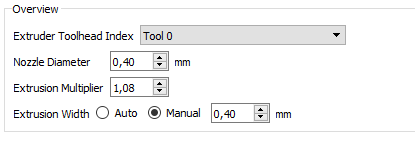
Box wall thickness are set to 1.6mm and for best result, make shure to use 0.4mm
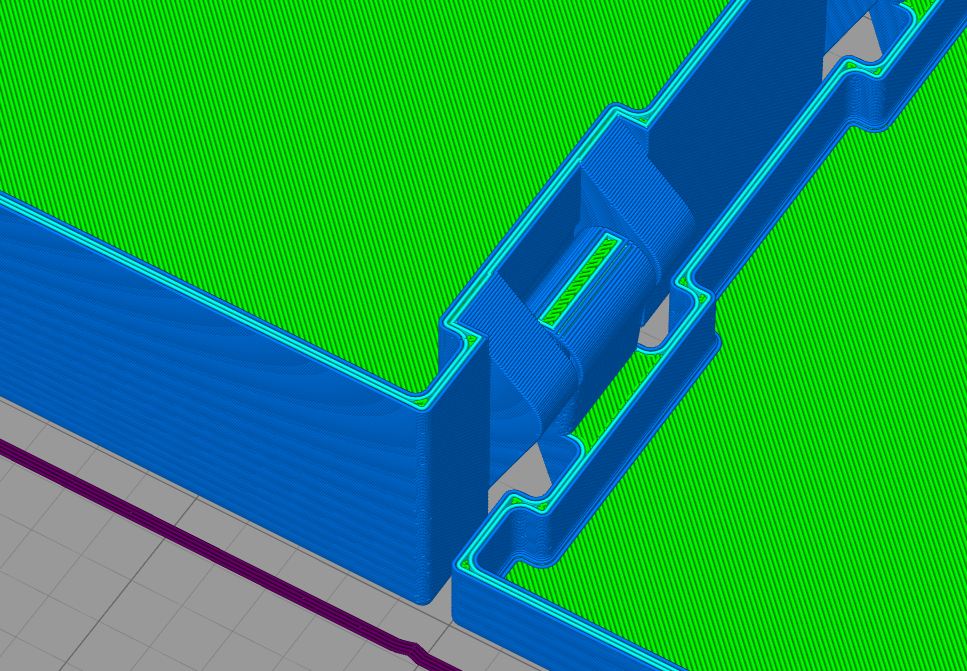
Extrusion Width diameter to ensure no infill in the wall, only 4 straight lines (se picture)
Wall with 4 Nozzle-lines, and no infill for cleaner walls:
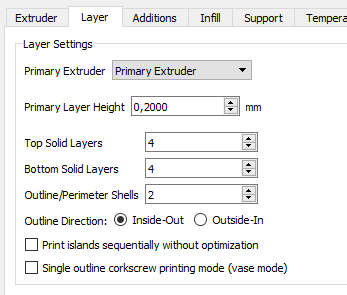
Use 2 outline Shels:
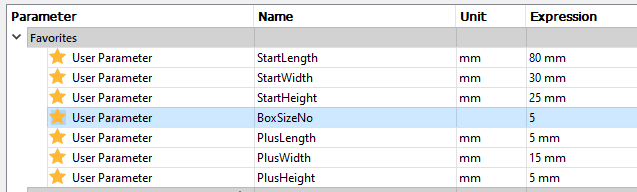
Start parameter are smallest Box size for BoxSizsNo = 1.
Plus parameter are increase in size for each increasing BoxSizsNo.
Example: For BoxSizsNo=5, the box length are :
(StartLength +(PlusLength *(BoxSizeNo-1)) ( For BoxSizeNo= 5. The Box increases 4 times the Plus size )
= 80mm + (5mm * (5-1) = 80mm + 20mm = 100mm. The same goes for With and Height.
The Plus parameter used here are minimum size to ensure the boxes fit into each other.
(BoxSizeNo 2 will fit into BoxSizeNo 3 and so on)
The cover height, hinches and lock size increases slitely with the inceasing box size.
Fusion 360 Parameter sheet: